
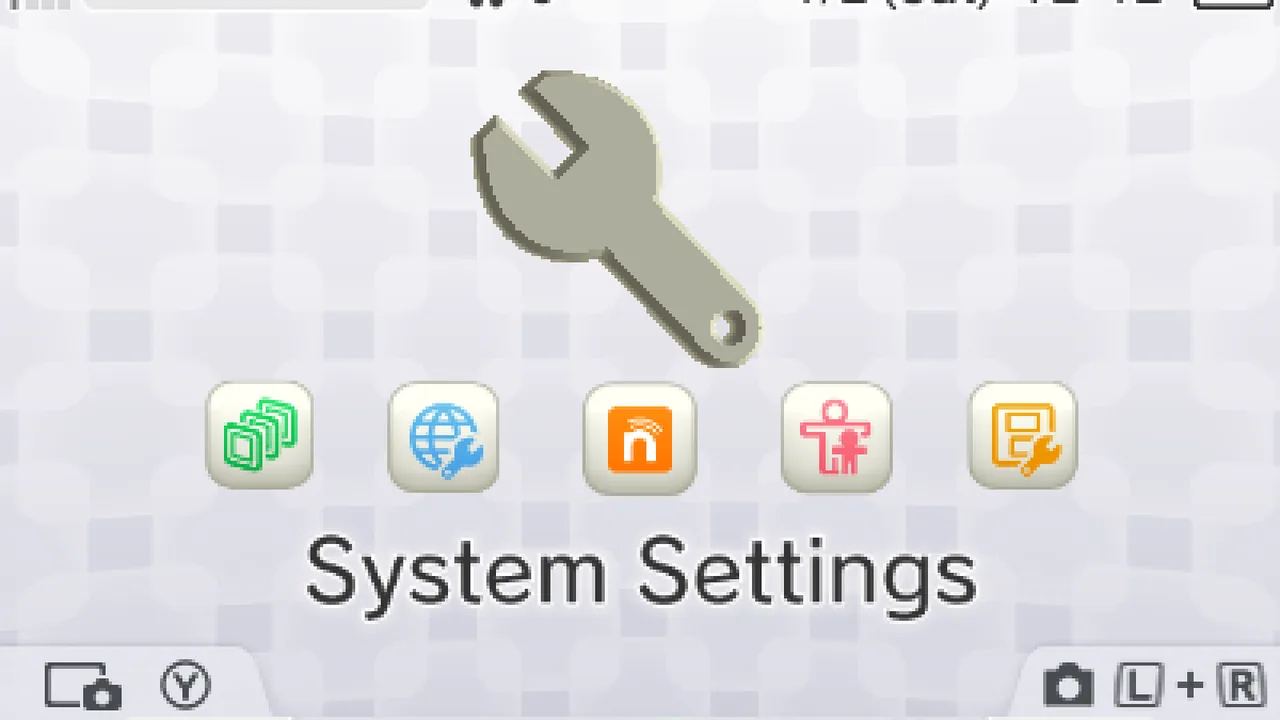
- Any 3DS, 2DS, New 3DS or New 2DS XL on 11.17 (System Settings shows the version bottom right)
- Its SD card, formatted FAT32
- A Windows, Mac or Linux computer with Python 3 from python.org (Android and iPhone have their own versions of the tool)
- About 45 minutes, and a charged console
Credit: this guide follows the method from the 3DS Hacks Guide by the Nintendo Homebrew community, and the MSET9 exploit by zoogie. I’ve written it in plain steps; if anything here differs from their guide, follow theirs, because they update it first.
Why MSET9?
MSET9 replaced the older methods from my previous videos: super-skaterhax for New 3DS, and Kartminer, which needed Mario Kart 7. It uses the System Settings app, so it works on every 3DS model on the latest firmware, with no game and no internet exploit.
Is it already hacked? Turn the console off, hold Select and turn it on. If you see a Luma3DS menu, you already have custom firmware: skip to “Finish setting up”.
1. Prepare the SD card
- Put the 3DS SD card in your computer.
- Download the latest MSET9 zip and copy everything in it to the root of the SD card. Overwrite files if asked.
- Run the MSET9 script: on Windows double-click MSET9-Windows, on Mac MSET9-macOS.command.
- Type the number for your console model and version, then press Enter.
- Type 1 and press Enter to create the MSET9 folder, then accept the disclaimer.
- When it says “Created hacked ID1.”, close the script. Your games will seem to disappear. That’s expected; they come back at the end.
2. Set up the console
- Put the SD card back and turn the console on.
- Open Mii Maker (not Mii Plaza), wait for the welcome screen, then go back to the HOME Menu.
- Open System Settings → Data Management → Nintendo 3DS → Software → Reset. This doesn’t delete anything.
- Turn the console off and put the SD card back in the computer.
- Run the script again and pick your model. It should say Ready. If it says Not ready, type 2 to see why and fix it, then try again.
- Type 0 to close it, and put the SD card back in the console.
3. Trigger MSET9
Do this exactly. Don’t press any buttons except the ones listed.
- Turn the console on with System Settings highlighted, and press A to open it.
- Go to Data Management → Nintendo 3DS → Extra Data.
- Without touching anything else, pull the SD card out while the console is still on. The screen will say there’s no SD card. That’s expected.
- On the computer, run the script, pick your model, type 3 and press Enter. You should see “MSET9 successfully injected!” Close the script.
- Put the SD card back in the console, without pressing anything. It should boot into SafeB9SInstaller.
4. Install custom firmware
- Enter the button combination shown on the top screen. This installs boot9strap.
- When all seven steps on the bottom screen are green, press A to reboot.
- You’ll see the Luma3DS configuration menu. Don’t change anything; press Start to save.
5. Remove MSET9 and get your games back
- Put the SD card in the computer and run the MSET9 script once more.
- Pick your model and choose Remove MSET9. Your games and data come back.
6. Finish setting up
The 3DS Hacks Guide has a script that installs the essentials for you: FBI, the Homebrew Launcher, Anemone3DS (themes), Checkpoint (saves), ftpd, Universal-Updater (the homebrew app store) and GodMode9. Follow their Finalizing Setup page. In short:
- Copy finalize.romfs to the SD card root and x_finalize_helper.firm into
luma/payloads. - Update the console in System Settings. System updates are safe with Luma3DS.
- Open the Rosalina menu (L + Down + Select): Miscellaneous options → Dump DSP firmware, then Nullify user time offset.
- Turn off, hold X and turn on. GodMode9 opens: press Home → Scripts… → finalize and follow it to “Setup complete!”
- Copy the
gm9/backupsfolder to your computer and somewhere safe in the cloud. It’s your backup if anything ever goes wrong.
If it goes wrong
- “Not ready” in the script: type 2 for the reason. It’s usually Mii Maker or the Reset step being skipped.
- Red screen, or stuck loading for more than 10 seconds after putting the card back: see the MSET9 troubleshooting page.
- Still stuck? Ask in my Discord, or in the Nintendo Homebrew Discord linked from the 3DS Hacks Guide.


No comments yet. Be the first!