Compatibility: All apps work on Old 3DS, New 3DS, 2DS, and 2DS XL.
Introduction
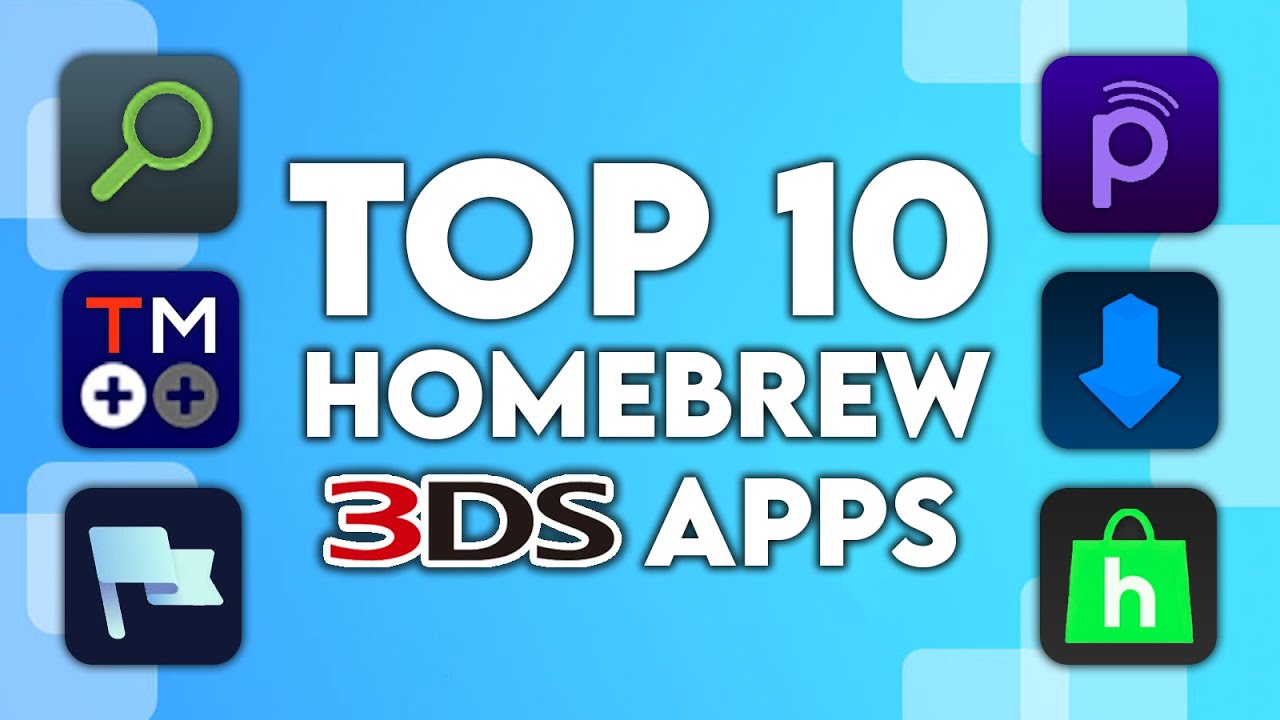
Just modded your 3DS? These are the 10 essential homebrew apps you need to install right now. This list excludes foundational tools like FBI, GodMode9, and the Homebrew Launcher—those are assumed prerequisites.
The Top 10 Essential Apps
1. 3DSIdent
A diagnostic tool that displays system details like kernel version, model, and storage. Key Feature: Identifies if your screens are TN or IPS and tests hardware for issues.
2. GYTB (Give You The Badge)
A custom badge manager. Key Feature: Create and install custom badges using PNG files for your home menu, replacing the defunct Badge Arcade.
3. Checkpoint
A simple and fast save manager. Key Feature: Backs up and restores saves for 3DS/DS cartridges and digital games. Includes a cheat manager.
Advertisement
Loading ad...
4. Anemone3DS
A theme manager. Key Feature: Install and manage custom themes to change your home menu look. Also supports splash screens.
5. Pretendo (Nimbus)
An open-source Nintendo Network replacement. Key Feature: Preserves online functionality for 3DS games after official server shutdown. Includes Miiverse support!
6. CTGP-7
A massive mod pack for Mario Kart 7. Key Feature: Adds custom tracks, characters, and features like “Countdown” mode with its own online servers.
7. Twilight Menu++
A DSi menu replacement and launcher. Key Feature: Runs DS, DSi, and GBA backups from SD card with modern features like widescreen patches.
8. FTPD
An FTP server for the 3DS. Key Feature: Transfer files wirelessly between your computer and 3DS—no need to remove the SD card.
9. hShop
A homebrew store and preservation database. Key Feature: Direct downloads for a vast library including out-of-region titles and translations.
10. Universal Updater
An “app store” for homebrew. Key Feature: Download and update other homebrew apps directly on-device without a computer.
Installation
Most apps can be installed via Universal Updater or as CIA files through FBI. We recommend setting up Universal Updater first—it makes managing everything else much easier.
Final Thoughts
These 10 apps form the foundation of any modded 3DS. Watch the full video above for detailed walkthroughs!
Table of Contents
Advertisement
Loading ad...
Advertisement
Loading ad...
About the Author

Anthony Micallef
Anthony Micallef is the creator of Anton Retro, a platform dedicated to retro gaming enthusiasts. With years of experience in Nintendo homebrew and modding, he creates guides to help gamers get the most out of their consoles.
Table of Contents
Advertisement
Loading ad...
How did this guide help?
Leave a comment or tip for other players