IconANTON RETRO
  • Home
  • News
    Recent News
    NintendoRetroIndustry
  • Reviews
    Recent Reviews
    HardwareSwitchWii3DS
  • Guides
    All Guides
    WiiWii USwitch3DS
  • Videos
  • Games
  • Mods
  • Portal
    Portal Home
    My PortfolioAdmin Dashboard
  • About
Home
News
Recent NewsNintendoRetroIndustry
Reviews
Recent ReviewsHardwareSwitchWii3DS
Guides
All GuidesWiiWii USwitch3DS
Videos
Games
Mods
Portal
Portal HomeMy PortfolioAdmin Dashboard
About
Best Emulators for the 3DS
Home/Guides
3dsMediumguidesv2024GUIDEtutorial

Best Emulators for the 3DS

Anthony MicallefByAnthony Micallef
UPDATEDJan 17, 2026
READ3 MIN
VIEWS2,685
Share

Turn Your 3DS Into a Retro Powerhouse

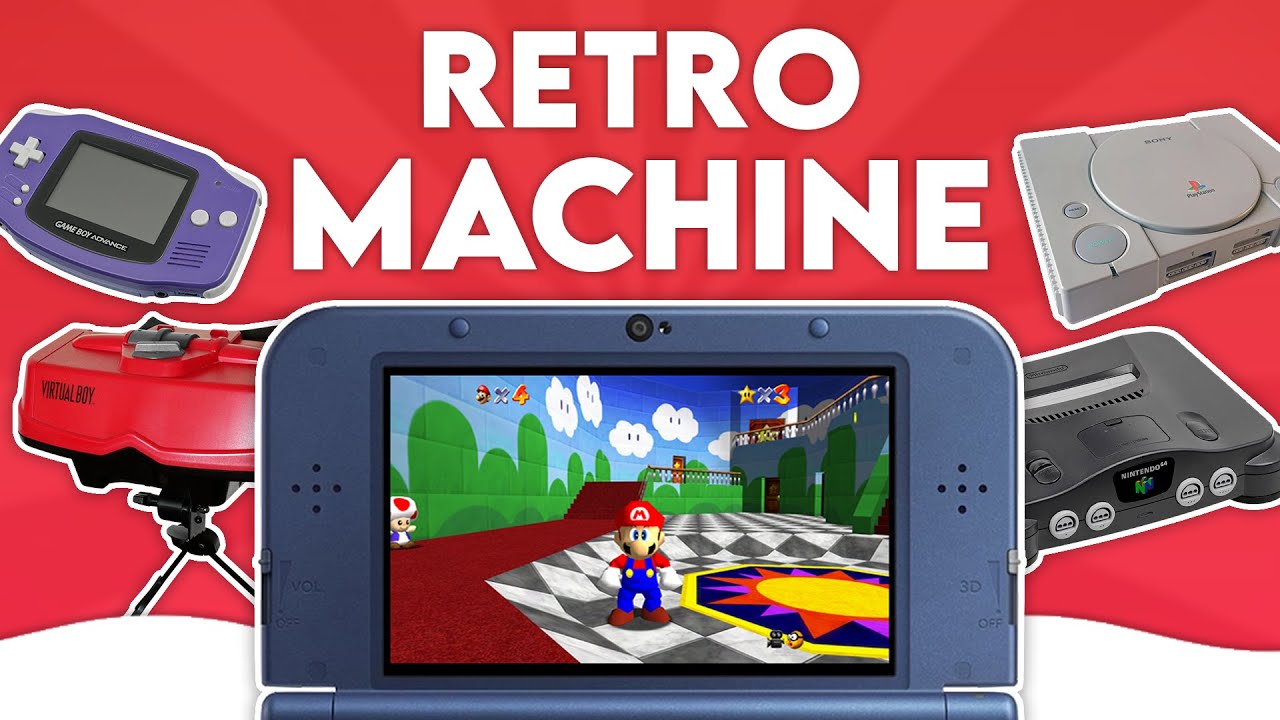
The Nintendo 3DS is arguably the best handheld for retro gaming due to its ability to run many Nintendo titles natively. This guide highlights the best ways to emulate classic systems on your 3DS.
1. Official Methods (Virtual Console)

While the eShop is closed, it’s worth noting what runs natively. The 3DS supports NES, Game Boy, and Game Boy Color officially.

Exclusives:

  • Game Gear & PC Engine: Available officially.
  • SNES: Exclusive to “New” 3DS models due to power requirements.
  • GBA (Ambassador Program): Runs natively on hardware but lacks sleep mode/save states.

Hidden Features:

  • Game Boy/Color: Hold L + R + Y to toggle between grayscale and the classic green tint. Maintain Start or Select while booting for a border and 3D depth effect.
  • Game Gear: Includes screen blurring, button remapping, and borders.
Advertisement
Loading ad...

2. Virtual Console Injects

Since the eShop is closed, you can use the New Super Ultimate Injector (NSUI) to inject ROMs into official Virtual Console wrappers.

  • Pros: Appear on Home Menu with custom banners/icons.
  • Cons: 300 title limit, lacks advanced emulator features. Anton generally recommends standalone emulators instead.

3. Standalone Homebrew Emulators (Recommended)

Standalone emulators are the best way to play retro games on 3DS due to better performance and features.

Game Boy / Color / Advance

  • mGBA: The preferred emulator. Supports Super Game Boy borders and Game Boy Camera. Runs best on “New” 3DS.
  • open_agb_firm: Runs GBA games natively without VC overhead. Useful for older 3DS models. Launched via Luma payload (hold Start).

Home Console Emulators

  • VirtuaNES: Highly recommended NES emulator.
  • Snes9x for 3DS: Excellent SNES emulation. Essential for Super FX games on “New” 3DS.
  • PicoDrive: Runs Genesis, Master System, Sega CD, and 32X.
  • TemperPCE: A TurboGrafx-16/PC Engine emulator.

Unique & Experimental

  • Red Viper (Virtual Boy): The definitive way to play Virtual Boy. Uses the 3DS’s stereoscopic screen to replicate depth without the headset. Essential download.
  • DaedalusX64 (N64): Experimental. Works okay for early titles like Mario 64 but prone to glitches. Requires “New” 3DS.
  • PokeMini 3DS: Pokemon Mini emulator.

4. RetroArch

Verdict: Generally Not Recommended.

While convenient, standalone emulators usually offer better performance. Use RetroArch only for systems lacking good standalone ports, like PlayStation 1 (PCSX ReARMed) or Neo Geo Pocket Color.

Summary of Recommendations

  • Best for GBA: mGBA (New 3DS) or open_agb_firm (Old 3DS).
  • Best for Virtual Boy: Red Viper.
  • General Rule: Use standalone emulators from Universal Updater over RetroArch or VC Injects.
  • Hardware: A “New” Nintendo 3DS is highly recommended for SNES, PS1, and N64.

Table of Contents

Turn Your 3DS Into a Retro Powerhouse
1. Official Methods (Virtual Console)
2. Virtual Console Injects
3. Standalone Homebrew Emulators (Recommended)
4. RetroArch
Summary of Recommendations

Quick Info

Platform3ds
DifficultyMedium
Time3 MIN
Guide Typeguides
Version2024
Advertisement
Loading ad...
Advertisement
Loading ad...

Share This Guide

About the Author

Anthony Micallef

Anthony Micallef

Anthony Micallef is the creator of Anton Retro, a platform dedicated to retro gaming enthusiasts. With years of experience in Nintendo homebrew and modding, he creates guides to help gamers get the most out of their consoles.
Anton Retro GitHub

How did this guide help?

Leave a comment or tip for other players

0

Comments may be moderated before appearing.

Loading comments...

Table of Contents

Turn Your 3DS Into a Retro Powerhouse
1. Official Methods (Virtual Console)
2. Virtual Console Injects
3. Standalone Homebrew Emulators (Recommended)
4. RetroArch
Summary of Recommendations

Quick Info

Platform3ds
DifficultyMedium
Time3 MIN
Guide Typeguides
Version2024
Advertisement
Loading ad...

Most Popular

01

How to Homebrew Your New Nintendo 3DS (11.17)

02

How to Setup an SDHC R4 Card

03

How to Homebrew Your Original Nintendo 3DS & 2DS (11.17)

04

Setup USB Loader GX

05

How to Homebrew Wii U (Aroma)

06

How to Play 3DS Games Online (Pretendo)

See More
Advertisement
Loading ad...

Trending Now

NEWS

Studio MDHR Announces Two New Cuphead Games, Including a Real Sega Master System Title

GUIDE

How to Install Banjo-Kazooie Recompiled (PC Port)

GUIDE

How to Install Ship of Harkinian (Ocarina of Time PC Port)

GUIDE

How to Install The Legend of Zelda: The Minish Cap PC Port

NEWS

Donkey Kong 64 Now Available on Nintendo 64 Classics – Nintendo Switch Online + Expansion Pack

NEWS

Nintendo Music Expands to Web Browsers, Tablets, Android Auto, and Apple CarPlay

Related

Jan 24, 2026

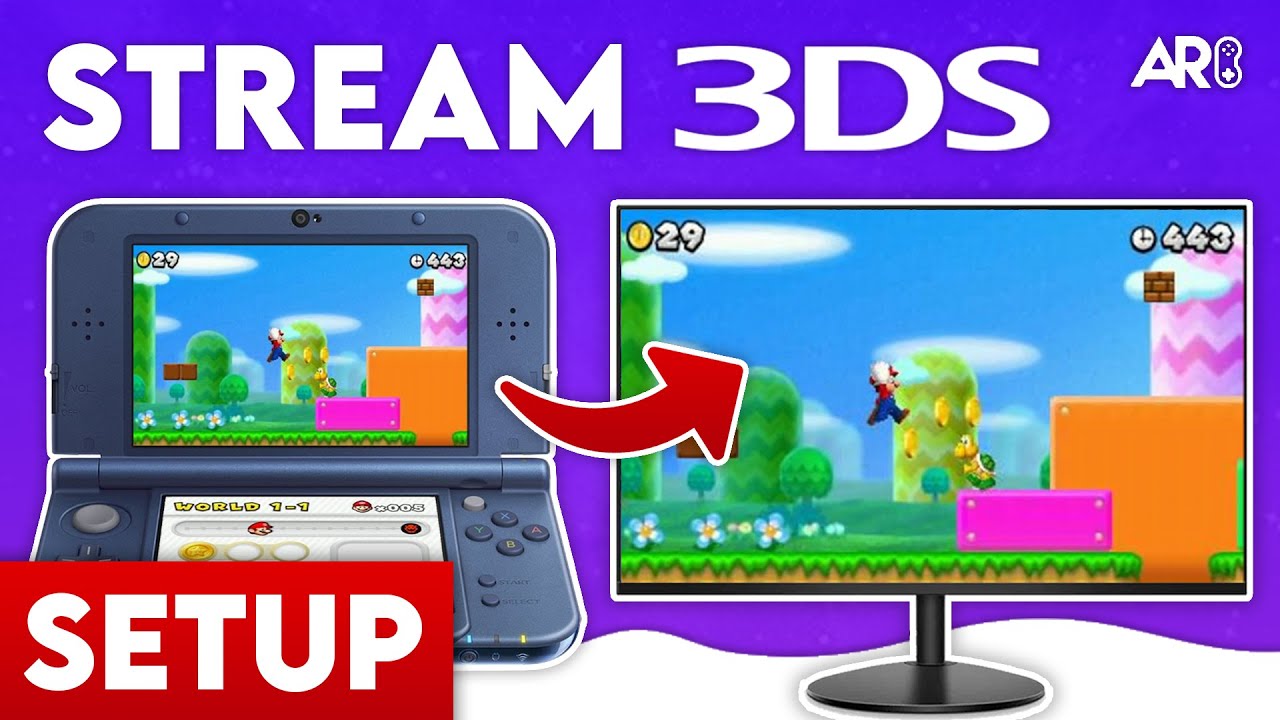
How to stream your New Nintendo 3DS

Jan 17, 2026

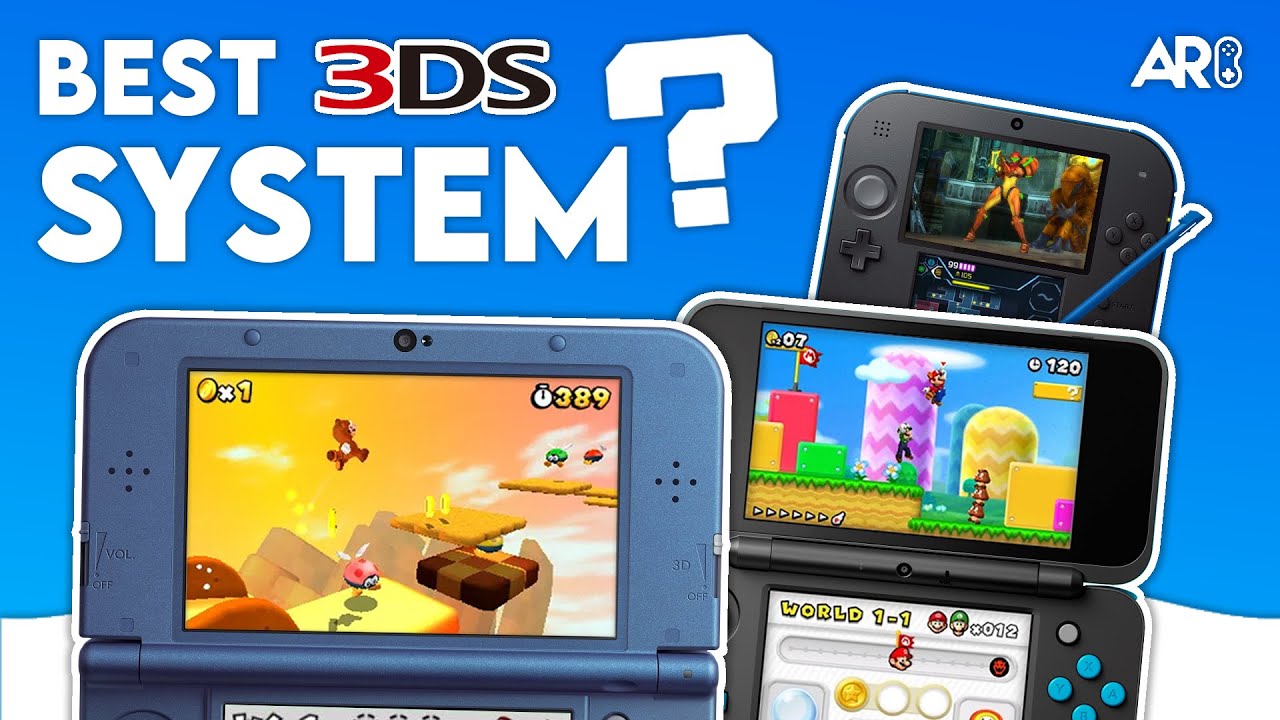
Which 3DS is the Best? (2025 Buying Guide)

Jan 17, 2026

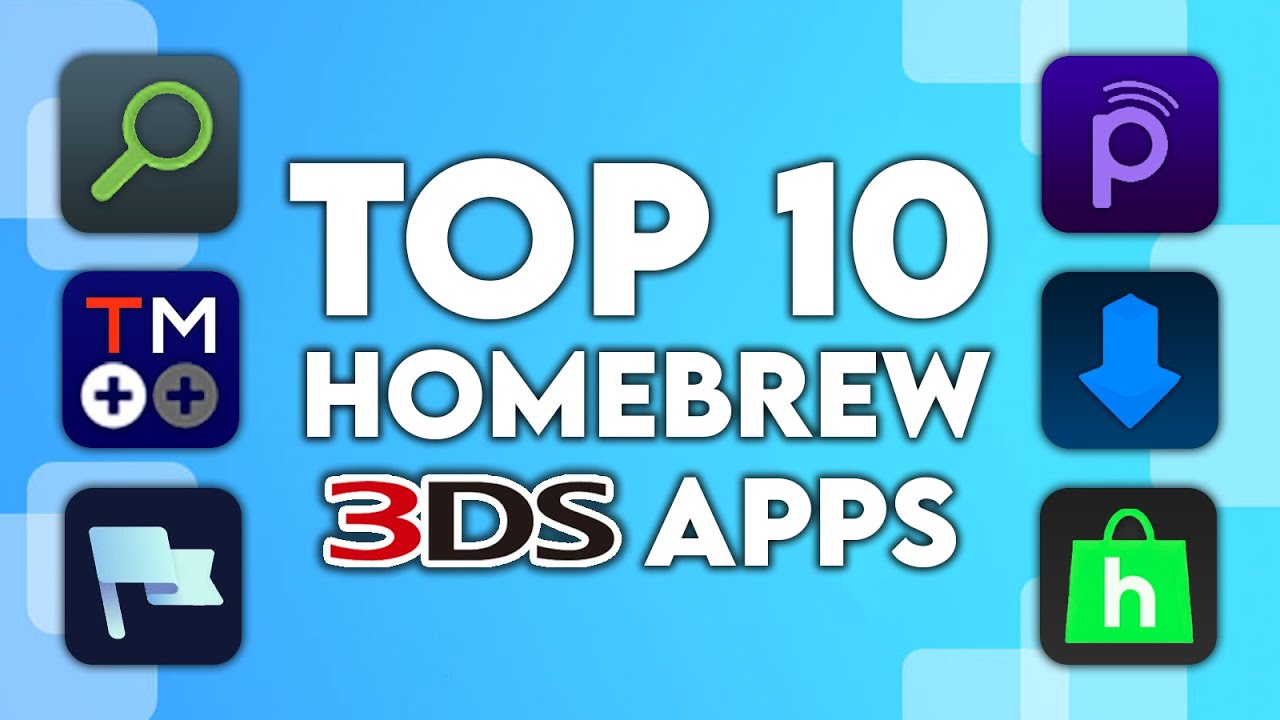
Top 10 Essential 3DS Homebrew Apps!

Advertisement
Loading ad...
Best Emulators for the 3DS
Advertisement
Loading ad...
IconANTON RETRO

Retro gaming news, reviews, guides, and homebrew coverage. For Nintendo fans, modders, and collectors.

Explore
  • News
  • Reviews
  • Guides
  • Videos
  • Games
  • Mods
Information
  • Portal
  • About
  • Editorial Policy
  • Privacy Policy
  • Terms of Service
  • Sitemap
  • Changelog
  • Contact

78,000+ subscribers

Join 78,000+ retro gaming enthusiasts and never miss a video!

Subscribe Now

© 2026 Anthony Micallef - Anton Retro. All rights reserved.

DigitalOcean Referral Badge|Icons byControllercons|v5.0.0