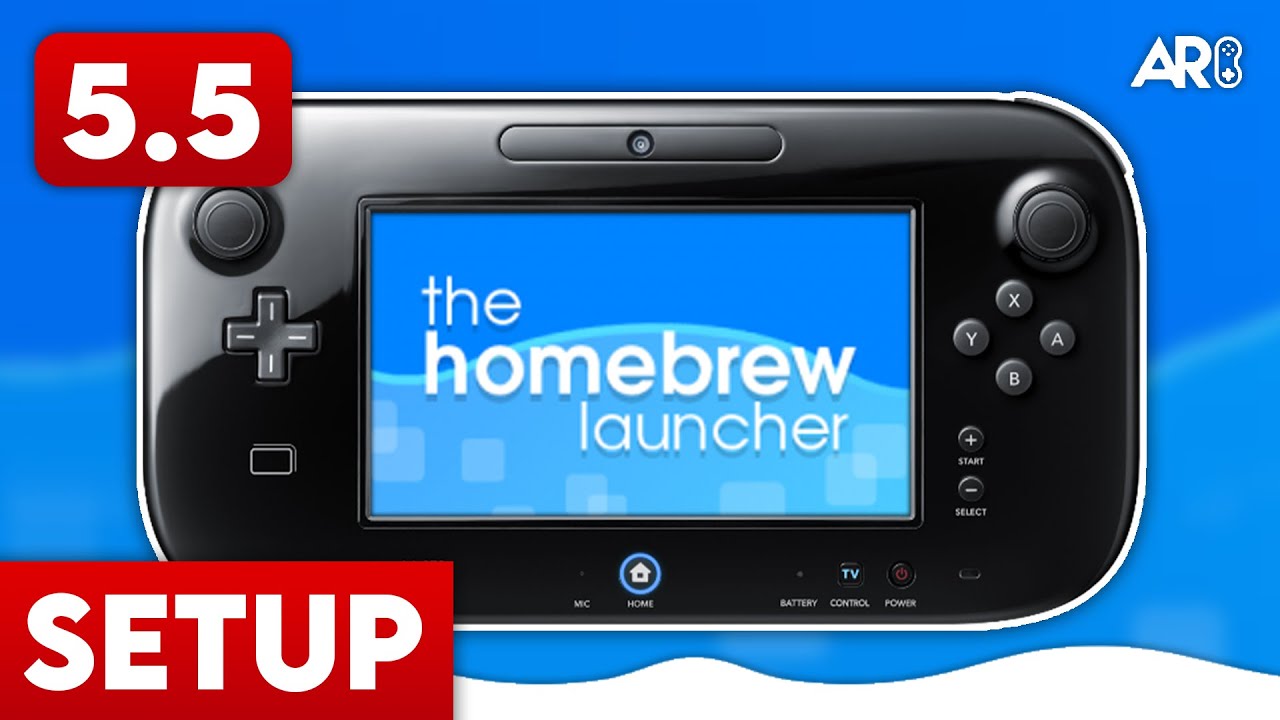
The Definitive Wii U Modding Environment
For years, Wii U homebrew relied on legacy exploits like Haxchi. Today, the modern standard is Aroma. It’s stable, modular, and boots directly at the system level—eliminating the need to launch an app to enable CFW.
Before You Start
- Ensure your Wii U is on the latest official firmware.
- If you have CBHC (Coldboot Haxchi) installed, you MUST uninstall it first to avoid a brick.
- Format your SD card to FAT32 with 32 KB clusters.
Step 1: SD Card Preparation
- Download the Aroma ‘Base’ and ‘Tools’ packs from aroma.foryour.cafe.
- Extract the contents to the root of your SD card.
- Your folder structure should include
/wiiu/environments/aroma. - Copy
PayloadLoaderInstaller.wuhbto/wiiu/apps/.
Step 2: Running the Browser Exploit
- Insert the SD card into your Wii U.
- Connect your Wii U to the Internet.
- Open the Internet Browser and go to
wiiuexploit.xyz. - Hold B while the exploit loads to enter the Environment Loader.
- Select ‘Aroma’ and choose ‘Set as default.’
If it freezes: Wait a few seconds. If nothing happens, reboot, clear browser save data, and try again.
Advertisement
Loading ad...
Step 3: NAND Backup (Recommended)
- From the exploit menu, select nanddumper.
- Select Yes for SLC, SLCCMPT, OTP, and SEEPROM.
- Only select Yes for MLC if your SD card is 32GB+.
- Press A to start the backup.
- After completion, copy the backup files to your PC and delete them from the SD card.
Step 4: Installing PayloadLoader
- Run the browser exploit again, but this time hold X instead of B.
- Press A to launch Aroma, then A again to boot the Wii U Menu.
- From the Wii U Menu, launch PayloadLoader Installer (blue A icon).
- Press A to check, then select Install / Update.
Step 5: Autoboot Aroma
- Open the Health and Safety Information app while holding X.
- Launch Aroma, then launch PayloadLoader Installer again.
- Select Boot options → Switch to PayloadLoader.
- Press A to shut down. Your Wii U will now autoboot into Aroma!
Key Features
Aroma includes a built-in plugin system accessible via L + Down + Minus. This allows you to enable:
- WiiUPluginBackend for overclocking
- Region-free gaming
- Custom themes on the fly
You’re Done!
Your Wii U is now running Aroma homebrew. Install games, emulators, and custom apps from the Homebrew App Store!
Table of Contents
Advertisement
Loading ad...
Advertisement
Loading ad...
About the Author

Anthony Micallef
Anthony Micallef is the creator of Anton Retro, a platform dedicated to retro gaming enthusiasts. With years of experience in Nintendo homebrew and modding, he creates guides to help gamers get the most out of their consoles.
Table of Contents






Advertisement
Loading ad...
How did this guide help?
Leave a comment or tip for other players