⚠️ IMPORTANT: High internal resolutions (1080p+) make the Wii’s native “bloom” effect look glitchy. Disabling Bloom via Gecko Codes is mandatory for a clean look.
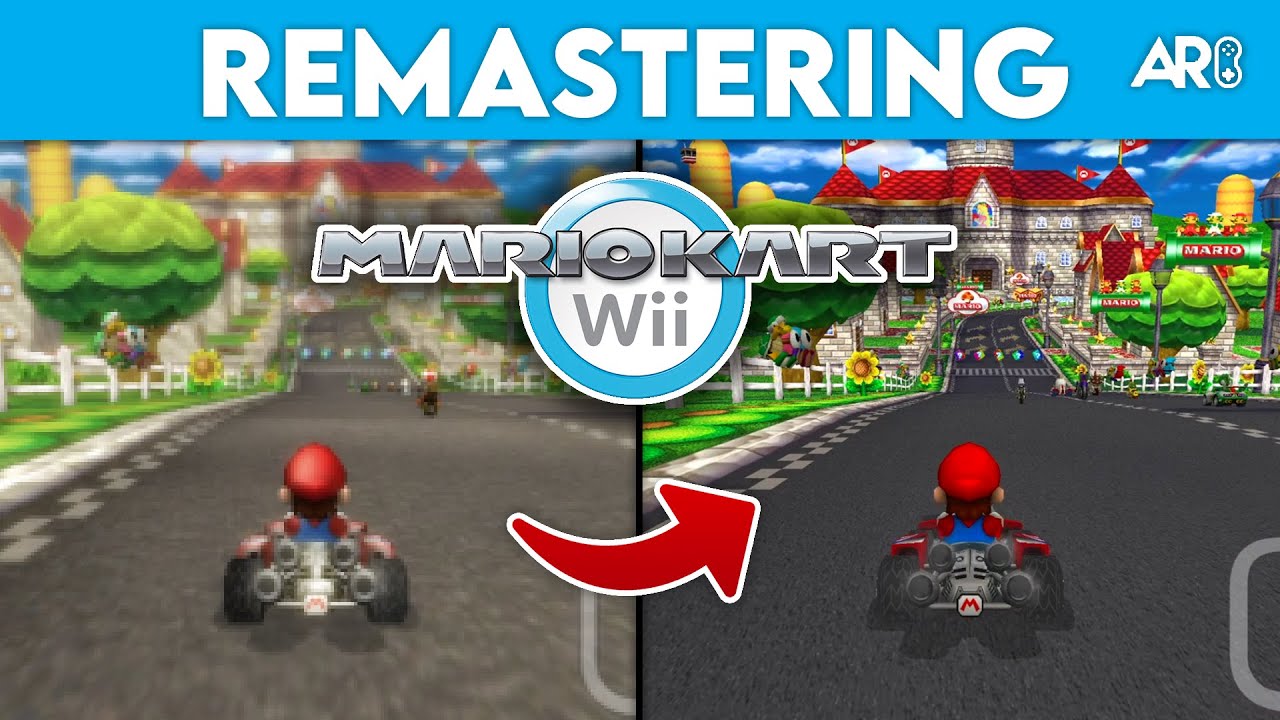
Transform Mario Kart Wii with HD Visuals
Experience Mario Kart Wii like never before with this stunning 4K texture pack! Special thanks to The Game Restorers for providing the base textures for this incredible project. By leveraging Dolphin’s ‘Load Custom Textures’ feature, you can replace the game’s original pixelated assets with high-definition textures that rival modern official remasters.
Quick Summary
The goal is to remove the blurry lighting native to the Wii, upscale the resolution, and replace muddy environmental textures with sharp, custom assets. This transformation keeps the cartoonish faithfulness of the original while making it look crisp on modern 4K displays.
Advertisement
Loading ad...
Step 1: Emulator Configuration
To start, we need to push the base game past its 480p limits:
- Resolution: Open Dolphin → Graphics → Enhancements. Set Internal Resolution to 1080p (3x Native) or higher.
- Anti-Aliasing: Enable MSAA or SSAA to smooth out jagged edges. Note that this makes the native “bloom” effect look worse, which we will fix in the next step.
- Aspect Ratio: Check “Stretch to Window” (Optional) or use a Widescreen Gecko code.
Step 2: Applying Gecko Codes
Gecko codes are essential for fixing lighting and performance issues that come with upscaling:
- Right-click Mario Kart Wii in Dolphin → Properties → Gecko Codes.
- Disable Bloom / No Sun Filter: Removes the blurry lighting “glow” that becomes messy in HD.
- 60 FPS Code: Forces the game to maintain 60 FPS even in 3-4 player split-screen (where it normally locks to 30 FPS).
- Sun Flare Fix: If the sun disappears, go to Graphics → Hacks and disable “Store EFB Copies to Texture Only”.
Step 3: Installing Custom Textures
This is where the magic happens. Download the pack from the sidebar and follow these steps:
- Extract the downloaded archive using 7-Zip or WinRAR.
- Locate your Dolphin texture folder:
- Windows:
Documents/Dolphin Emulator/Load/Textures/ - Mac:
~/Library/Application Support/Dolphin/Load/Textures/
- Windows:
- Place the RMC folder (the Game ID for Mario Kart Wii) directly into the
Texturesfolder. - Enable Textures: In Dolphin, go to Graphics → Advanced and check “Load Custom Textures”.
ℹ️ PRO TIP: Enable “Prefetch Custom Textures” in the Advanced tab if you have 8GB+ of RAM to prevent stuttering during gameplay.
Insights & Performance
The high-res textures reveal details previously invisible, such as hidden floor patterns in Coconut Mall. Additionally, forcing 60 FPS in multiplayer makes this the definitive way to play Mario Kart Wii with friends, surpassing the original hardware experience.
Course Screenshot Gallery
Check out these high-definition screenshots of the remastered tracks included in this texture pack:
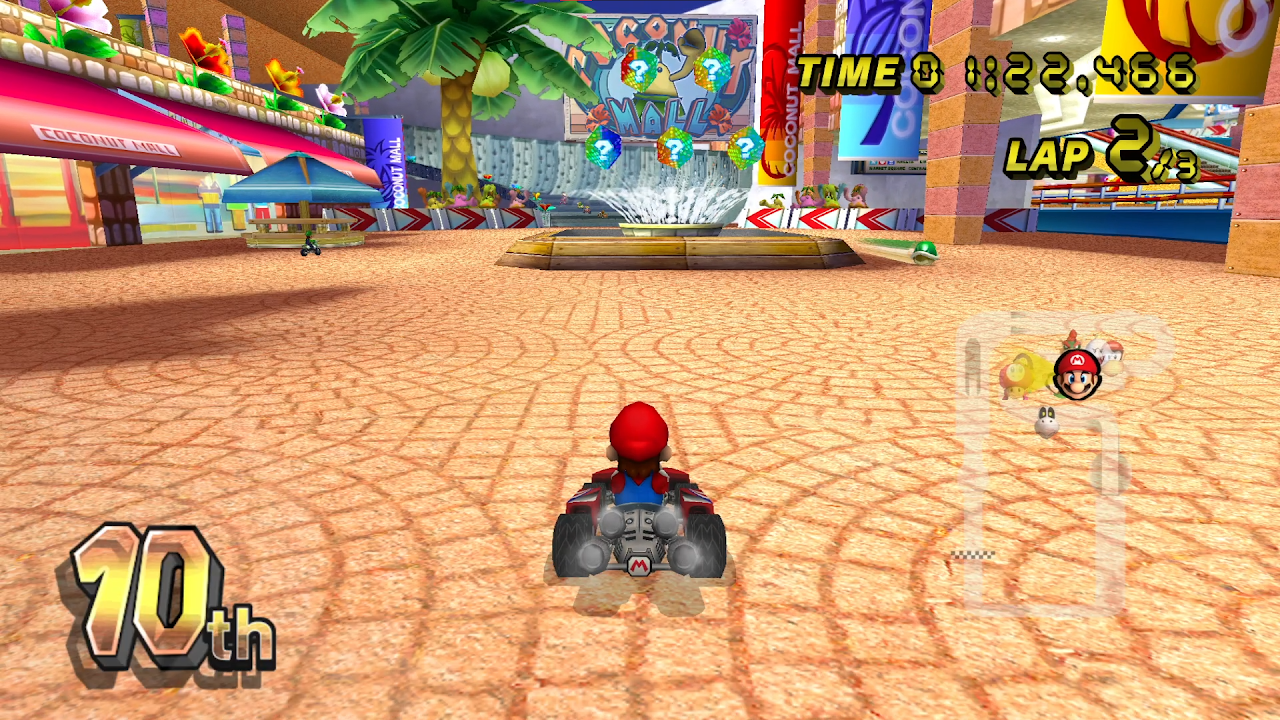
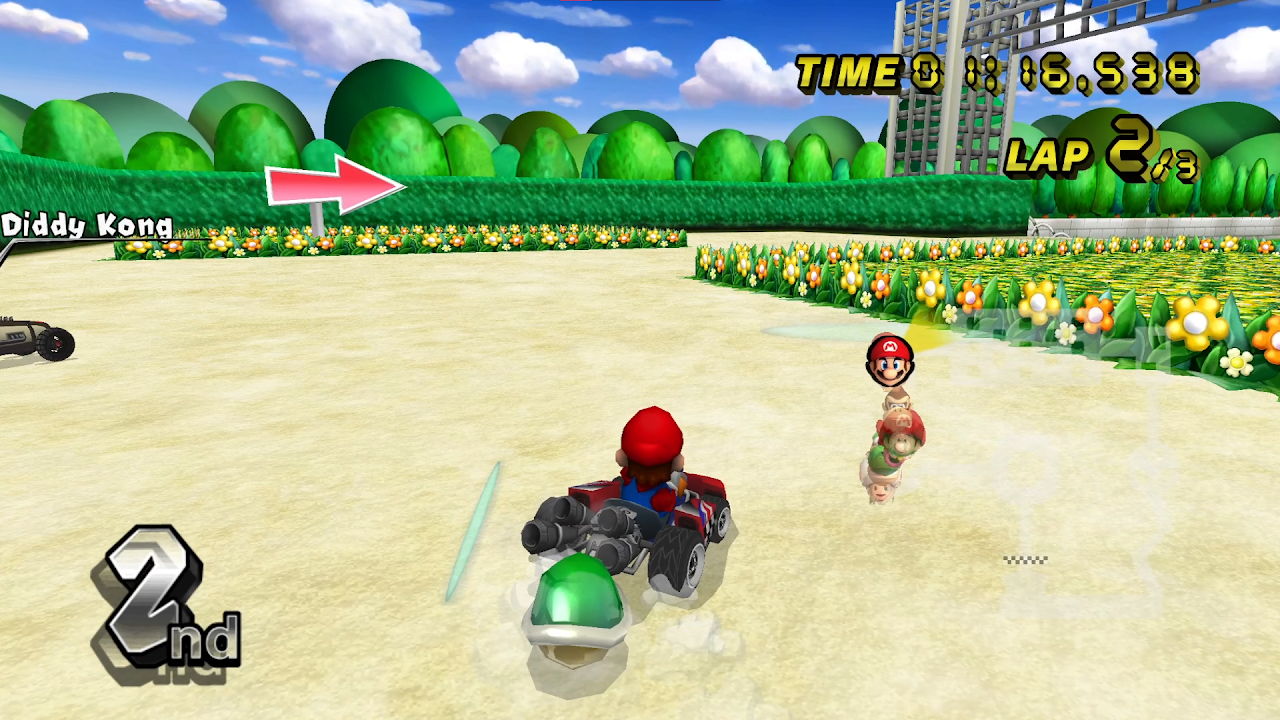
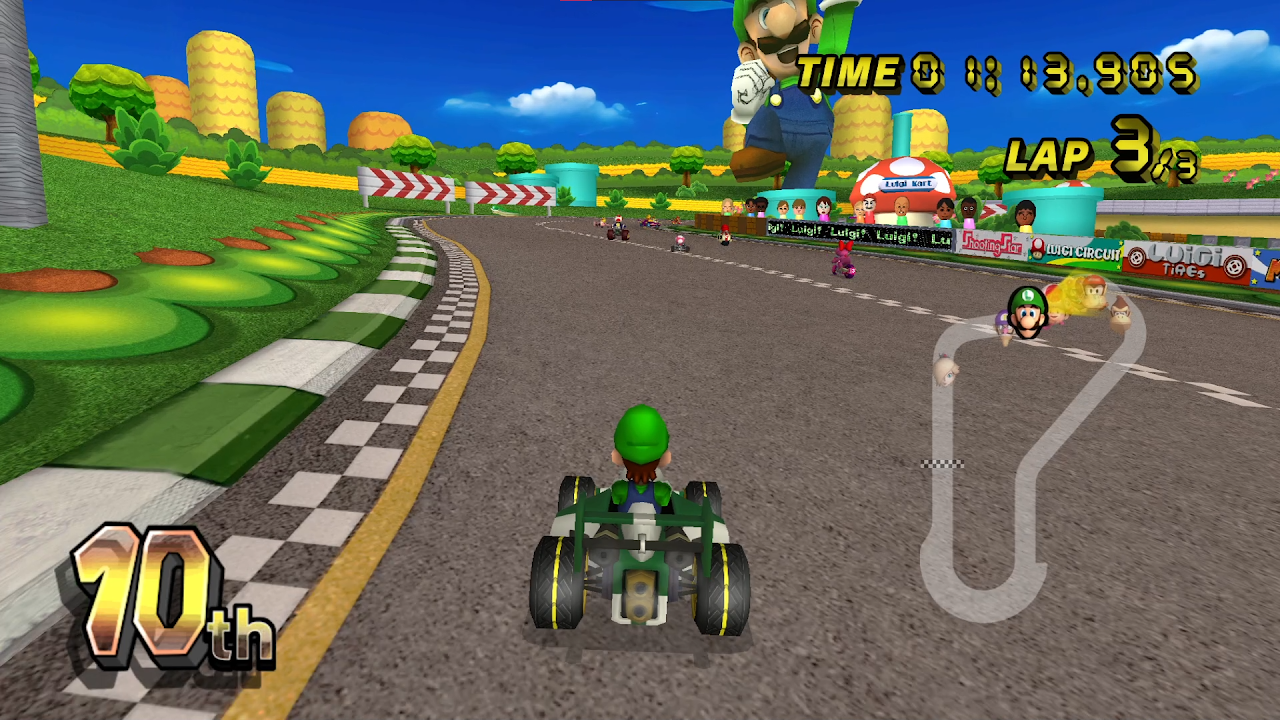
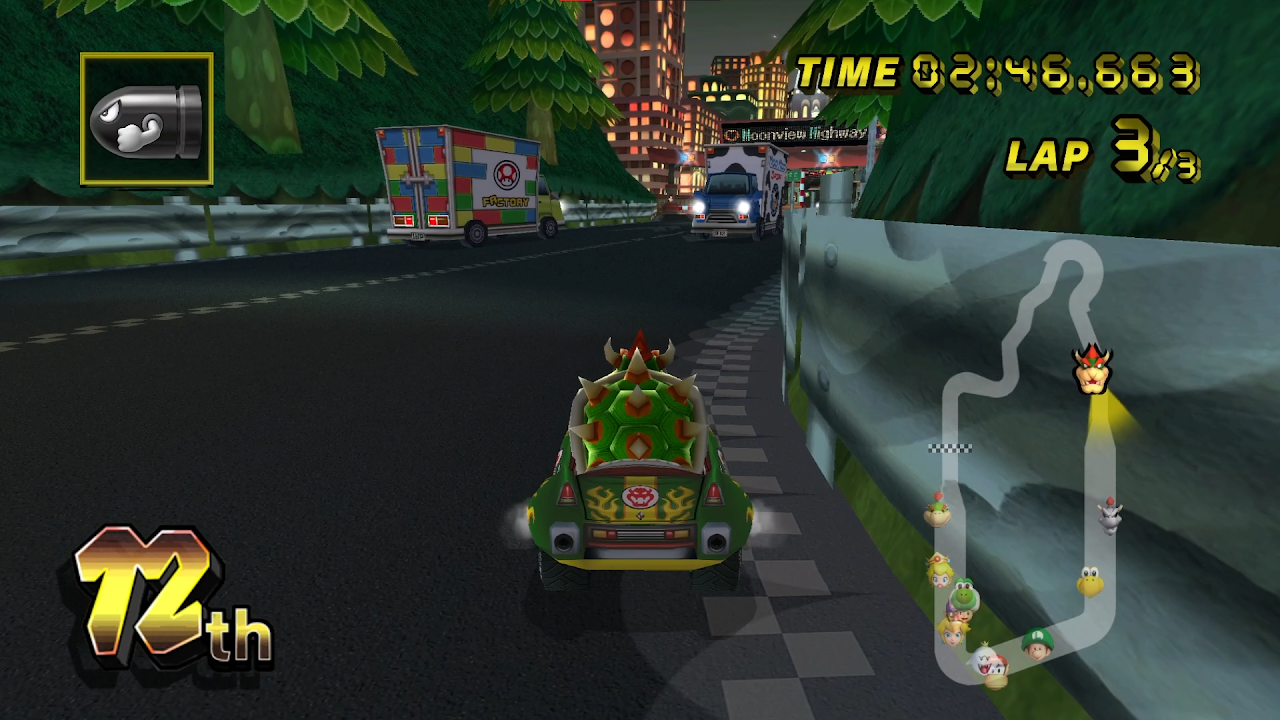
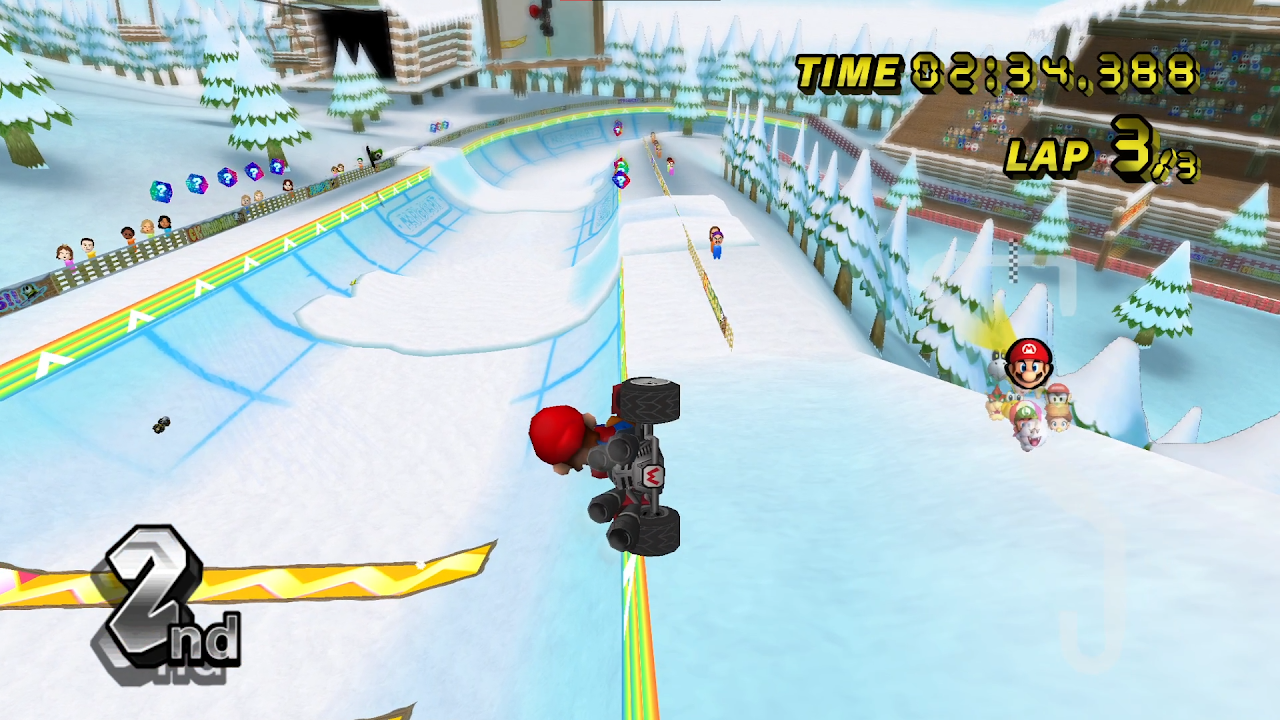
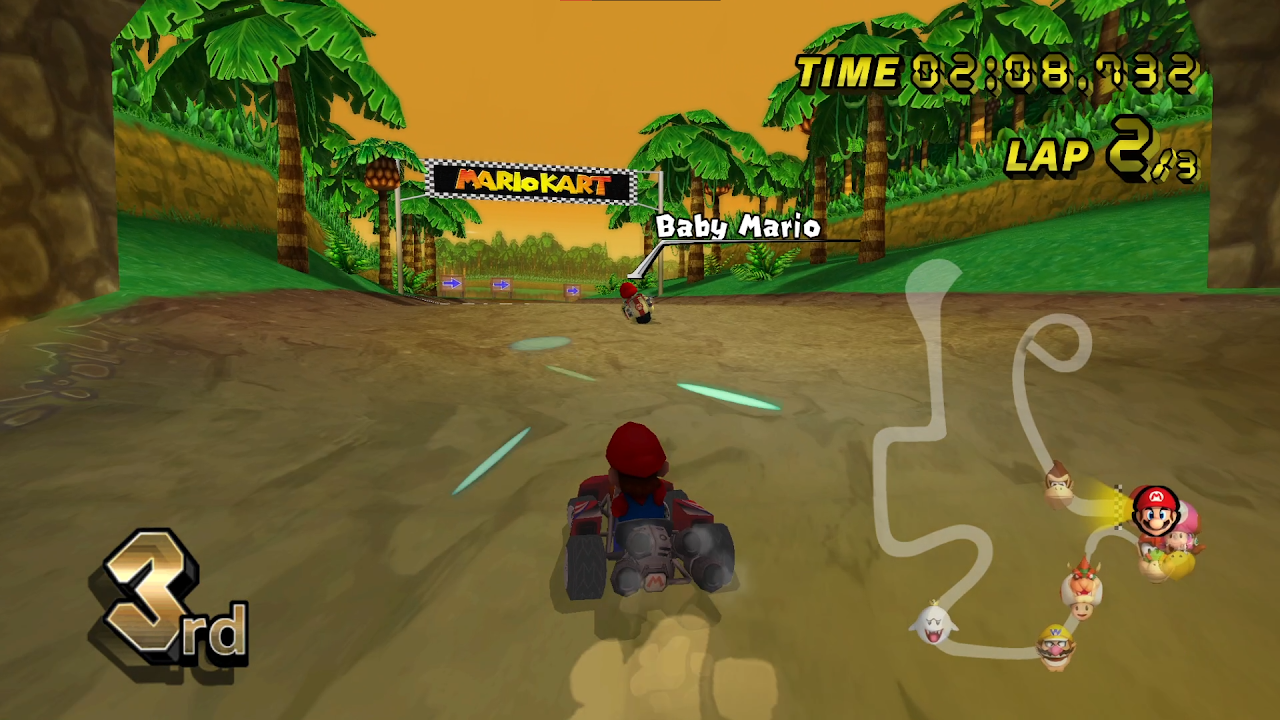
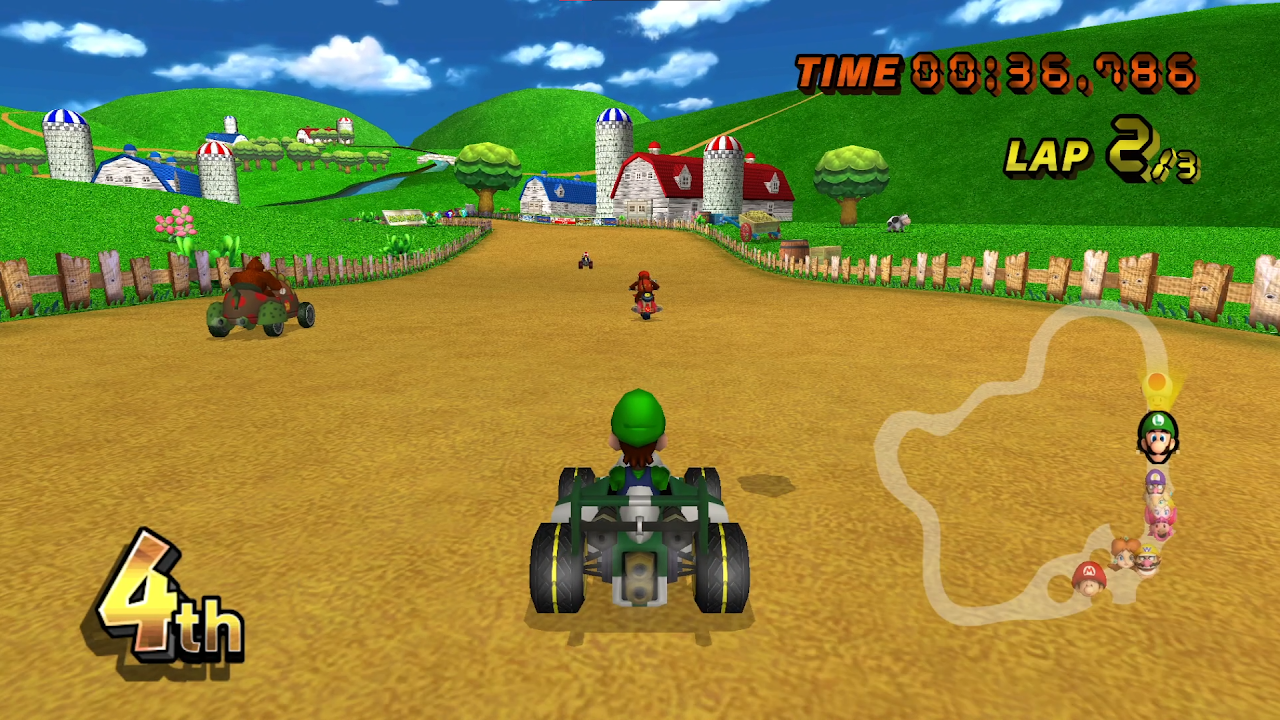
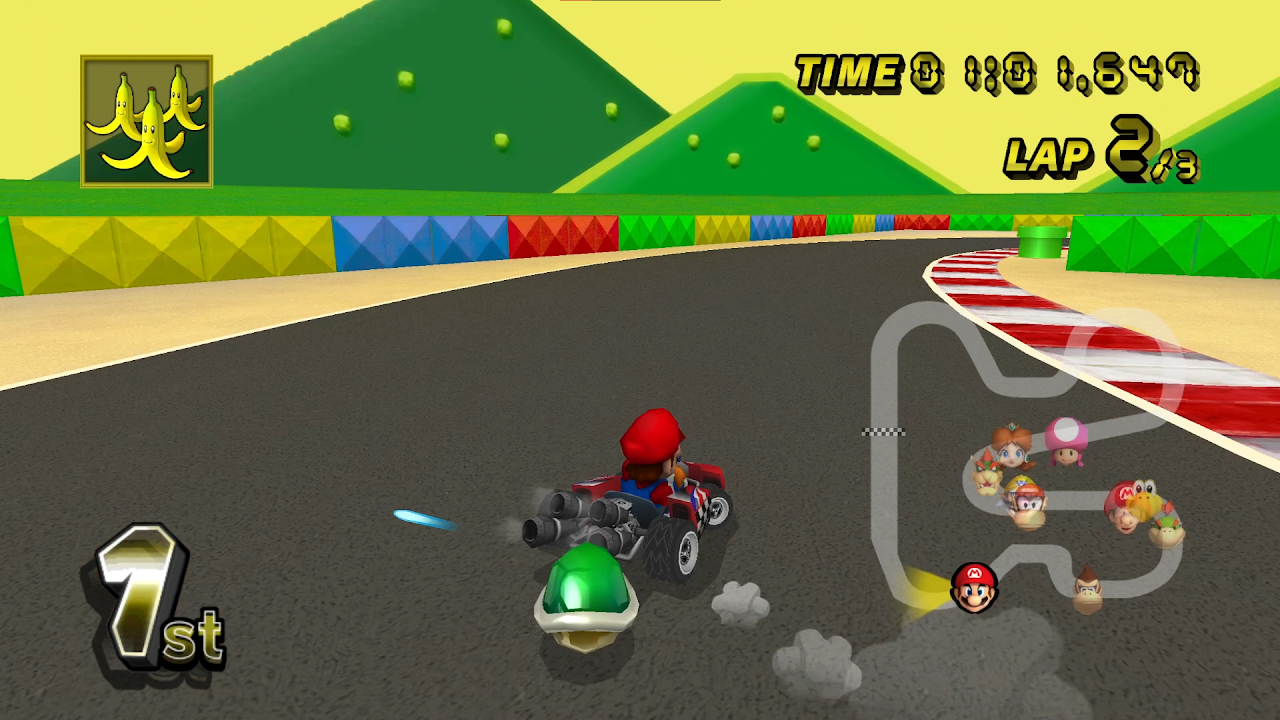
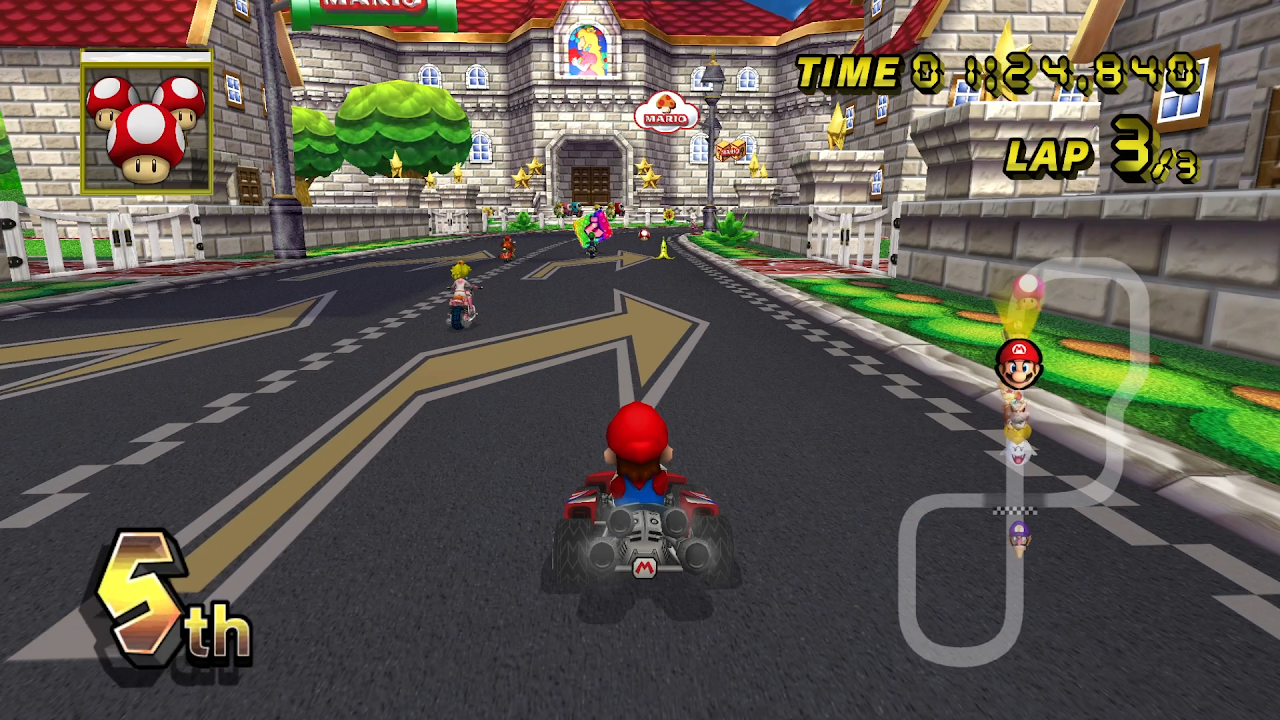
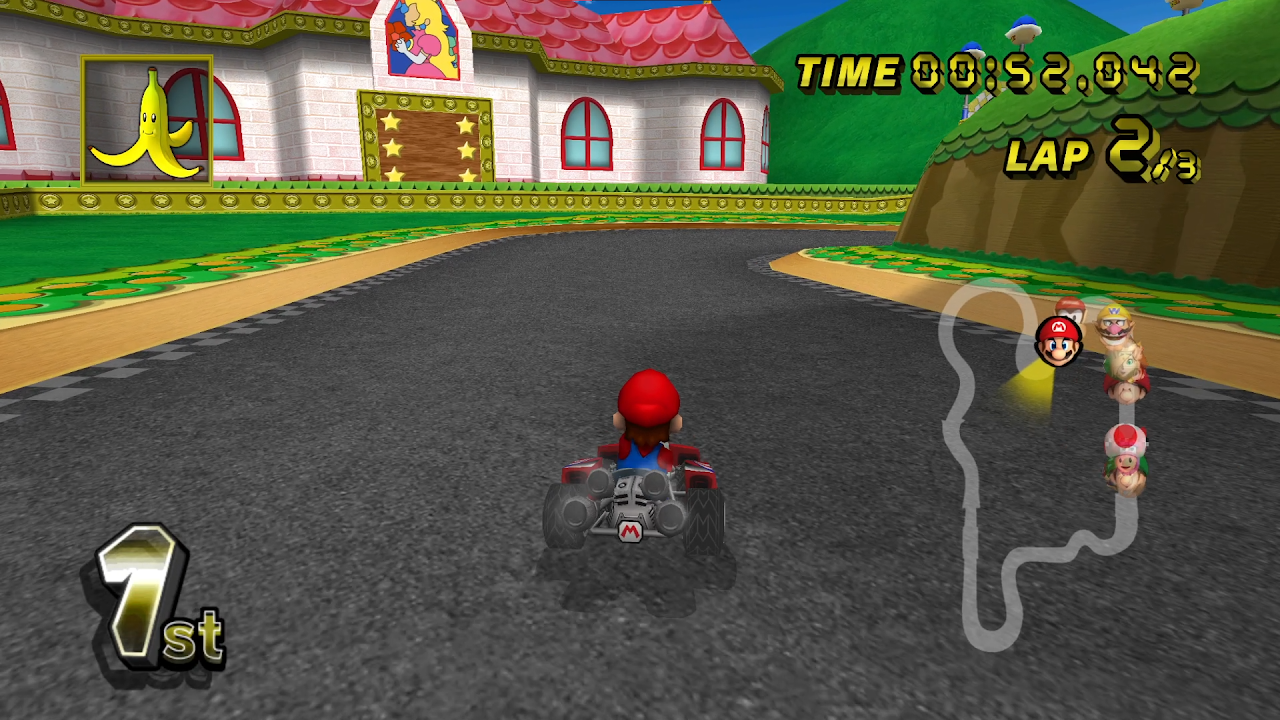
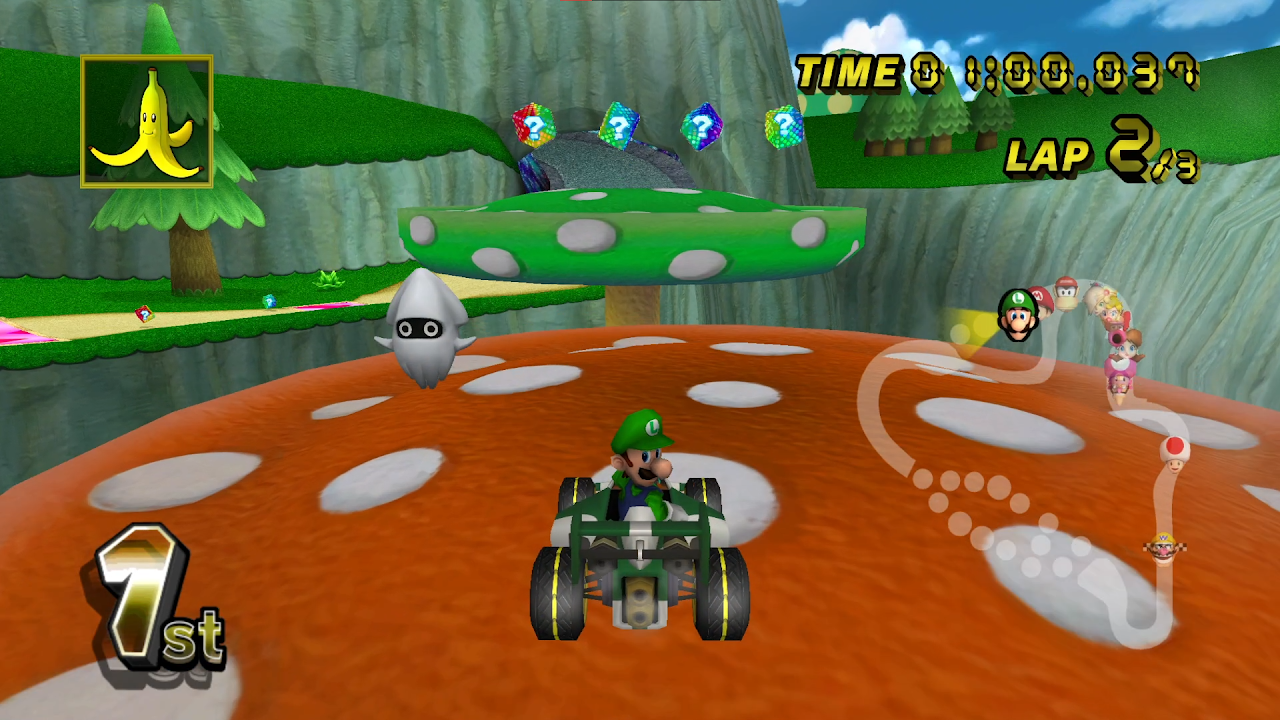
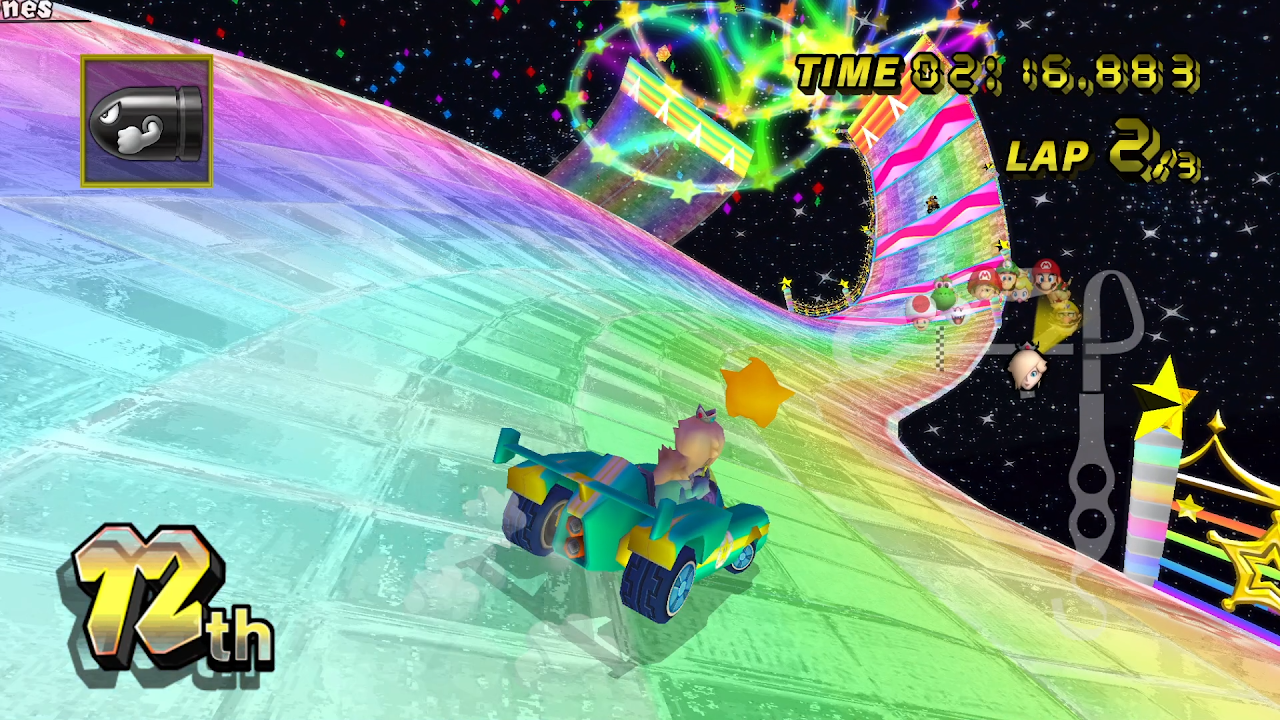
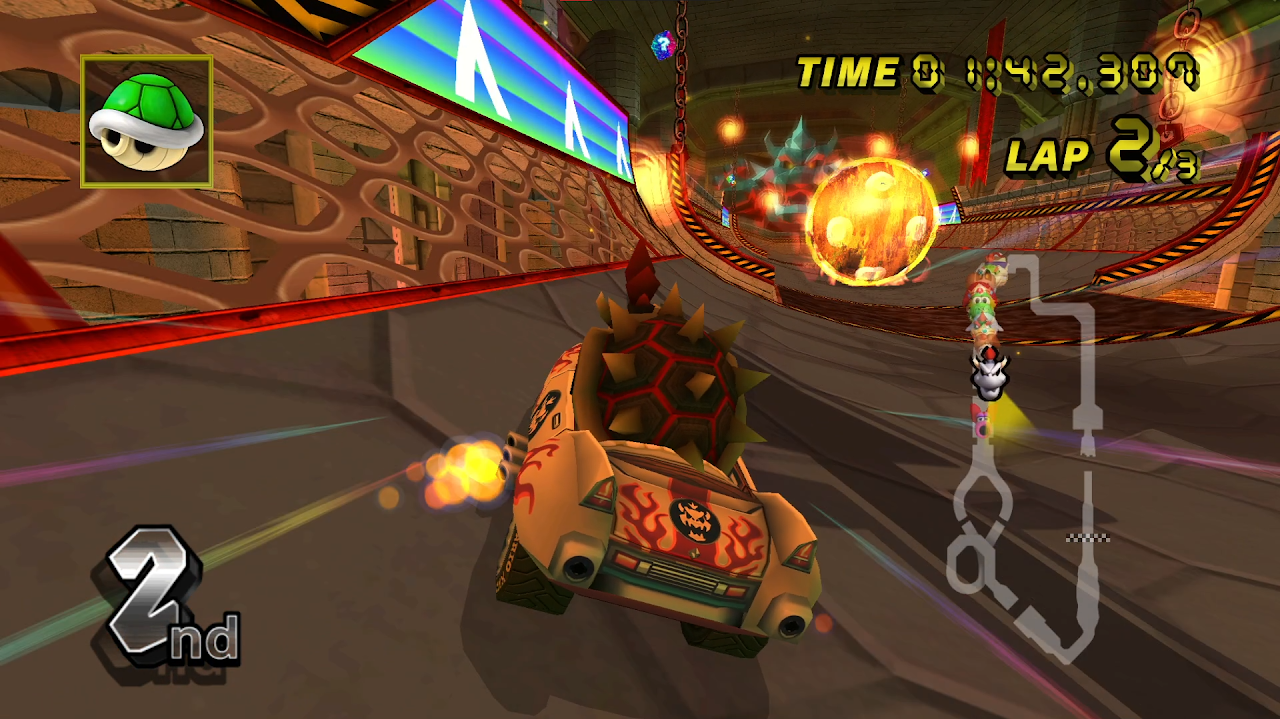
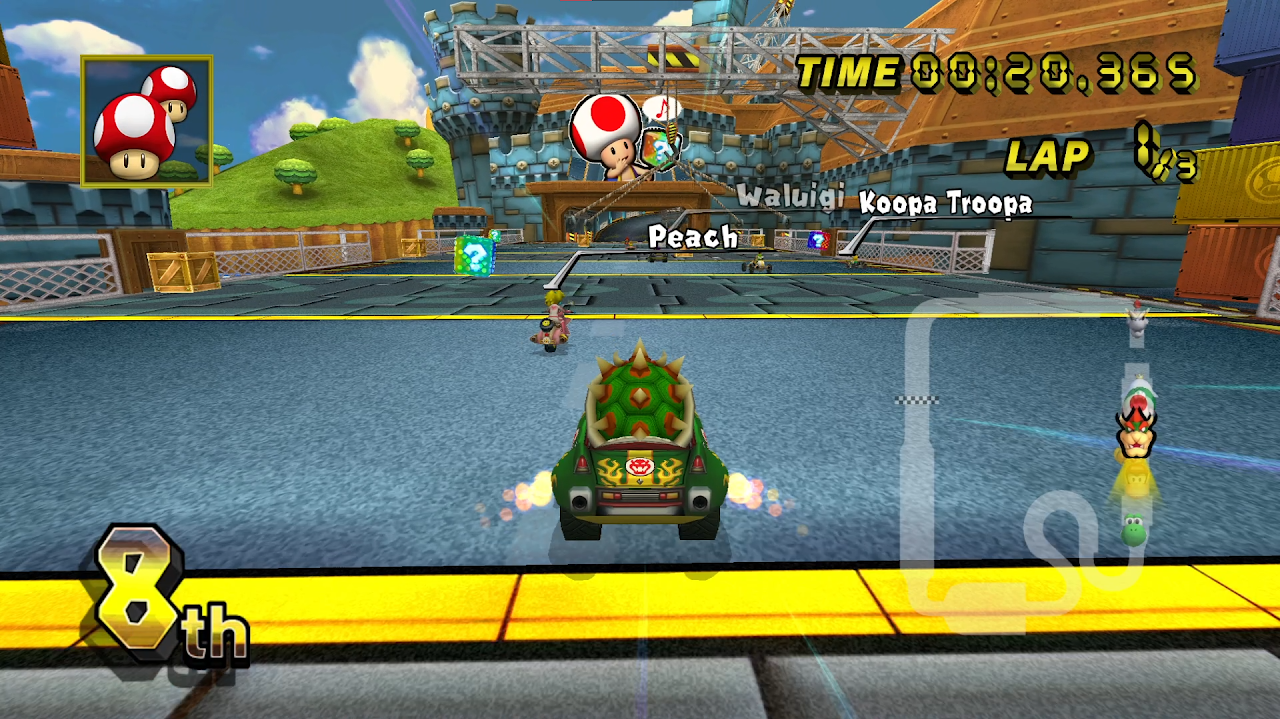
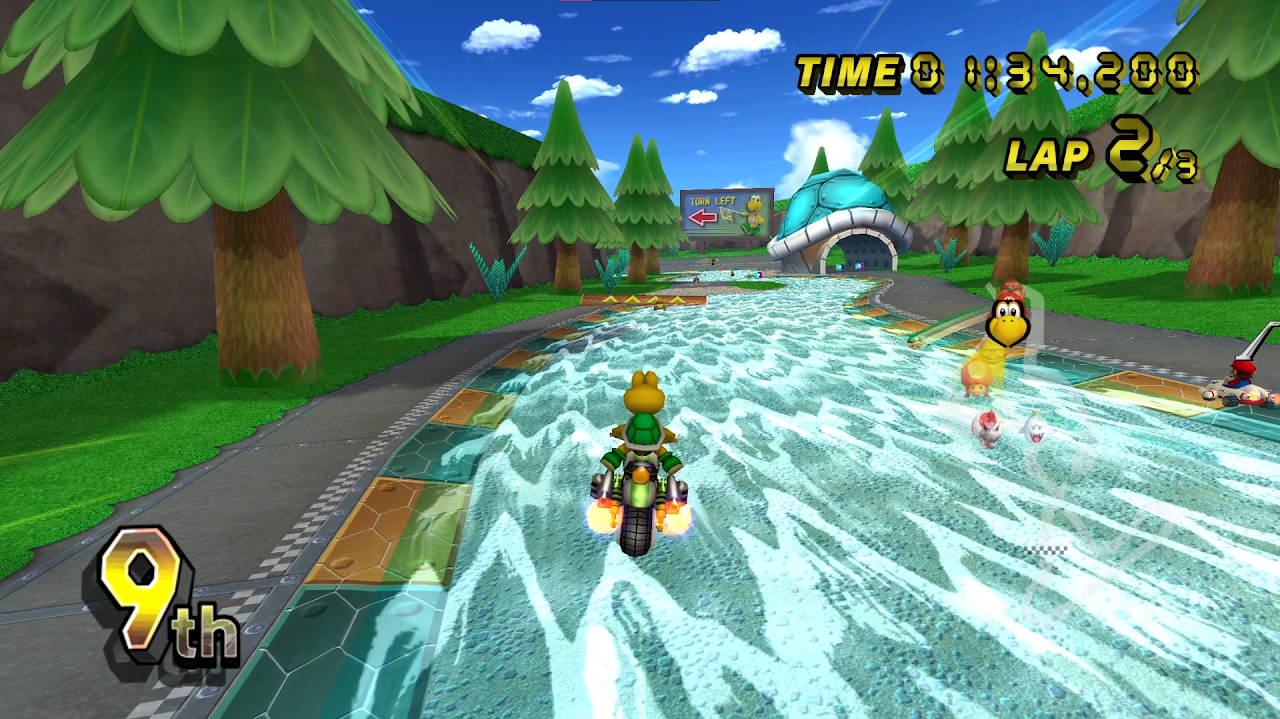
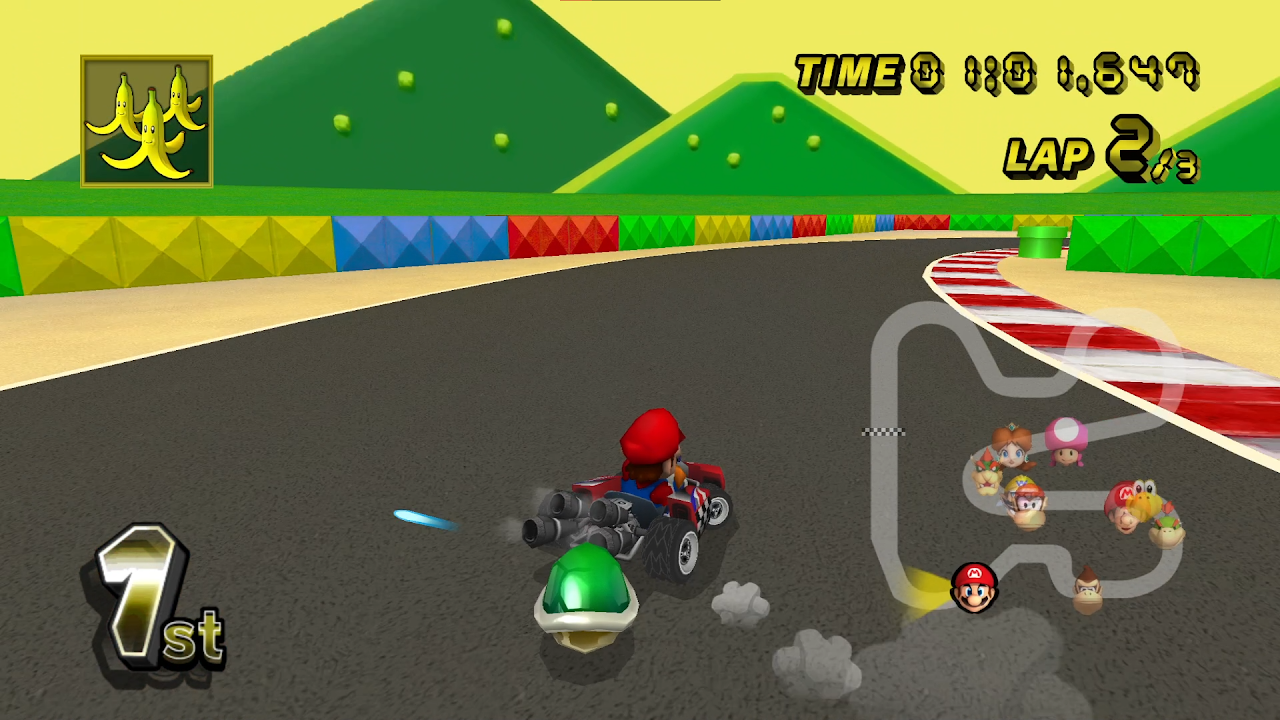
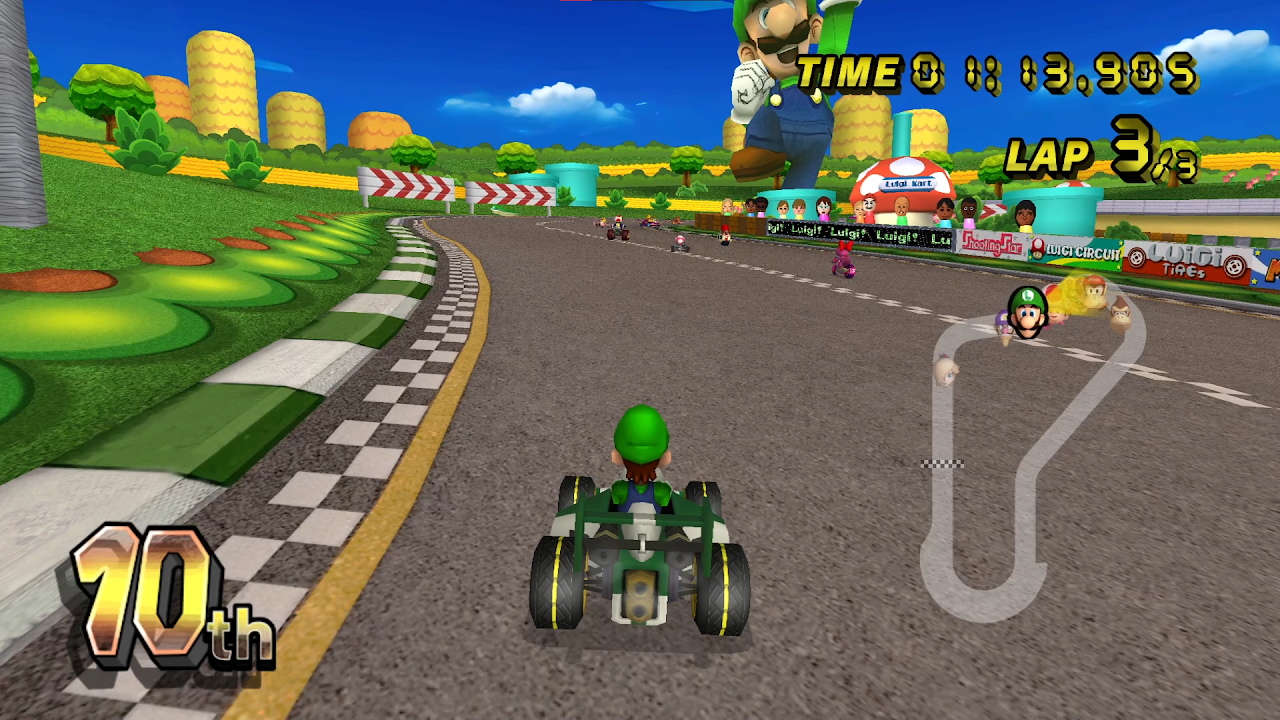
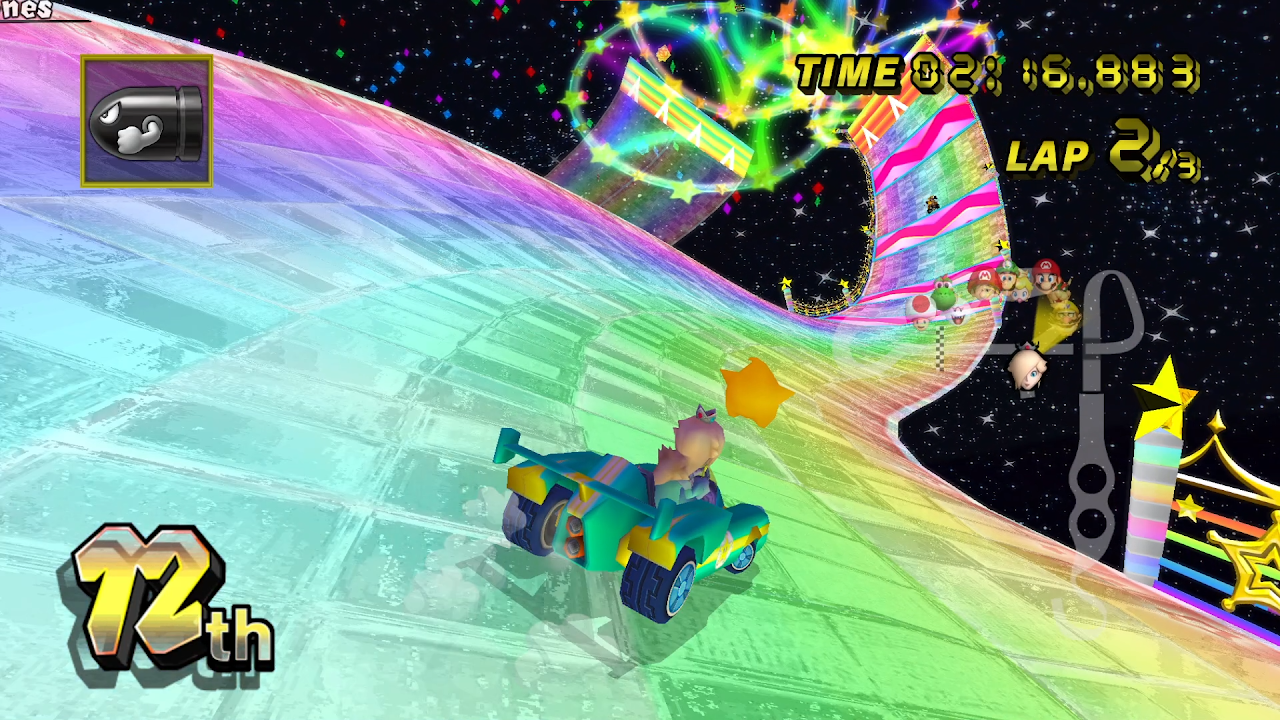
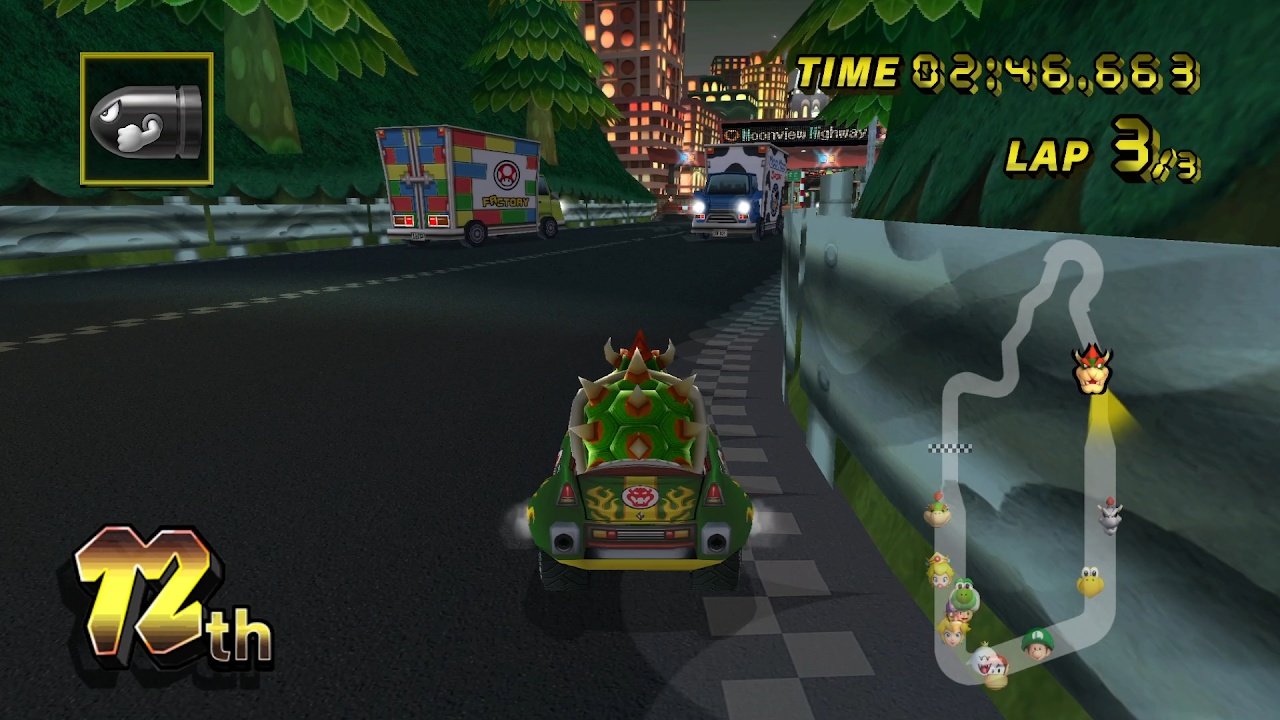
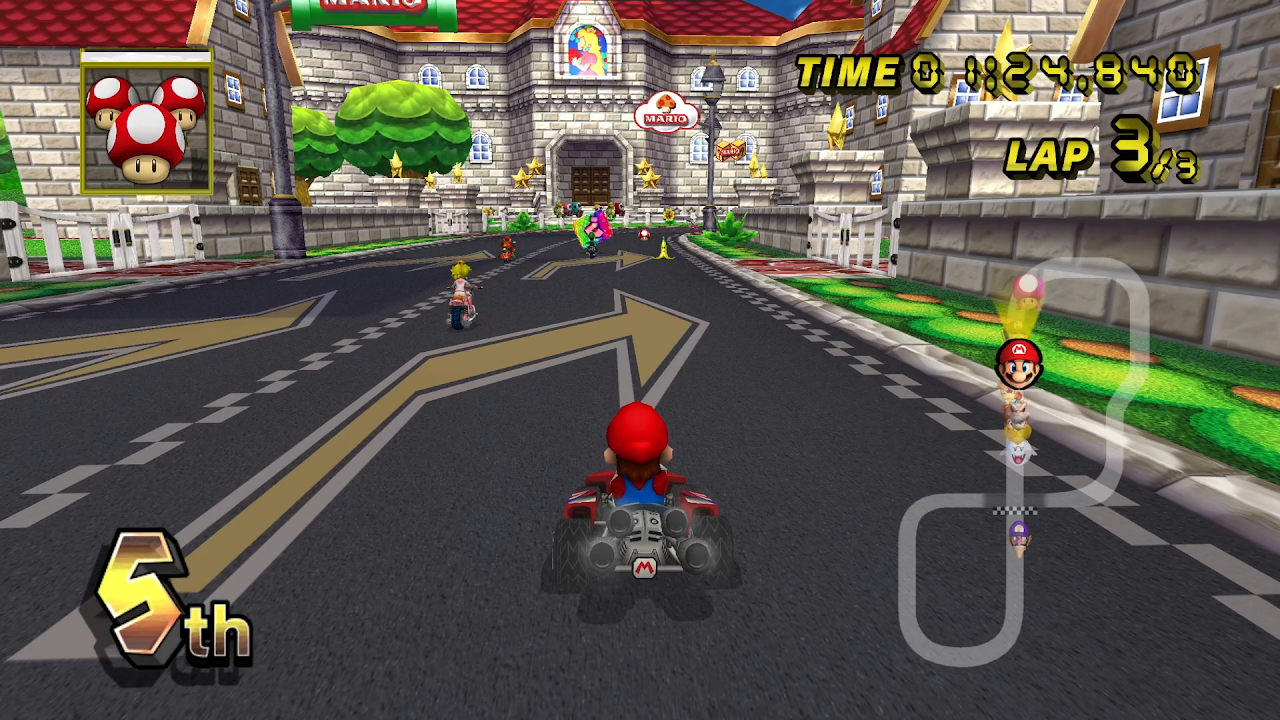
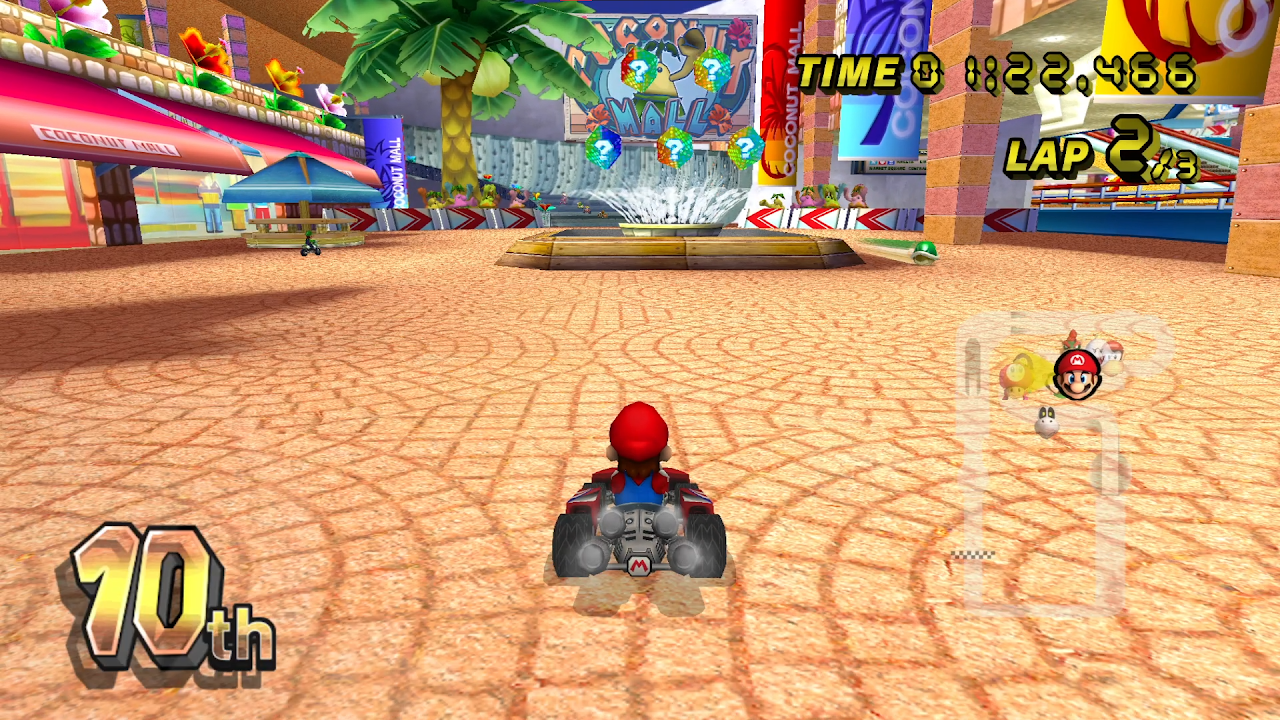
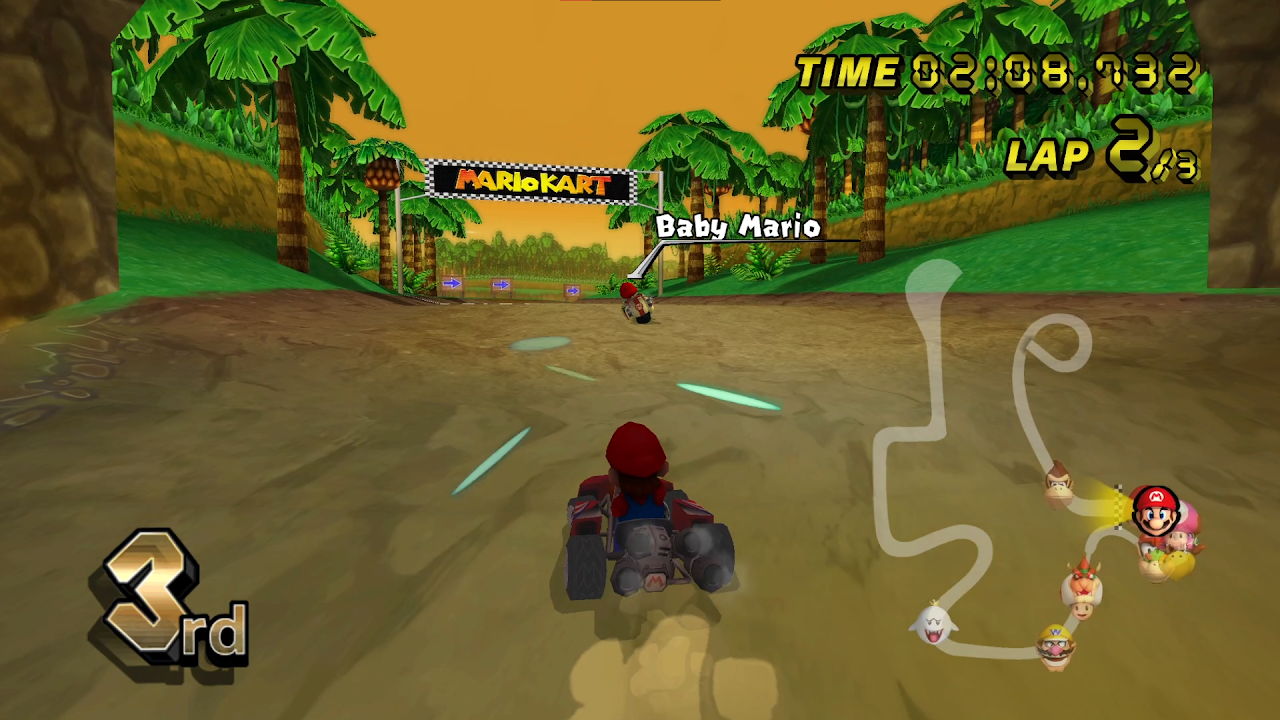
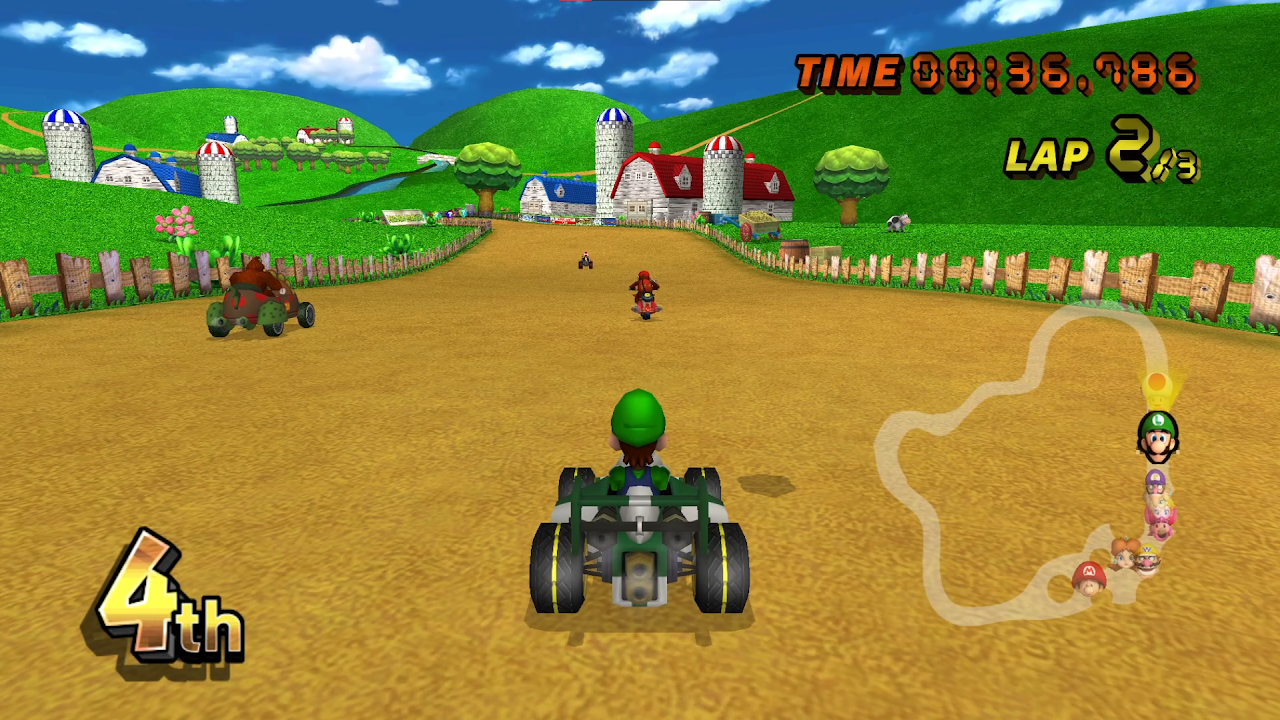
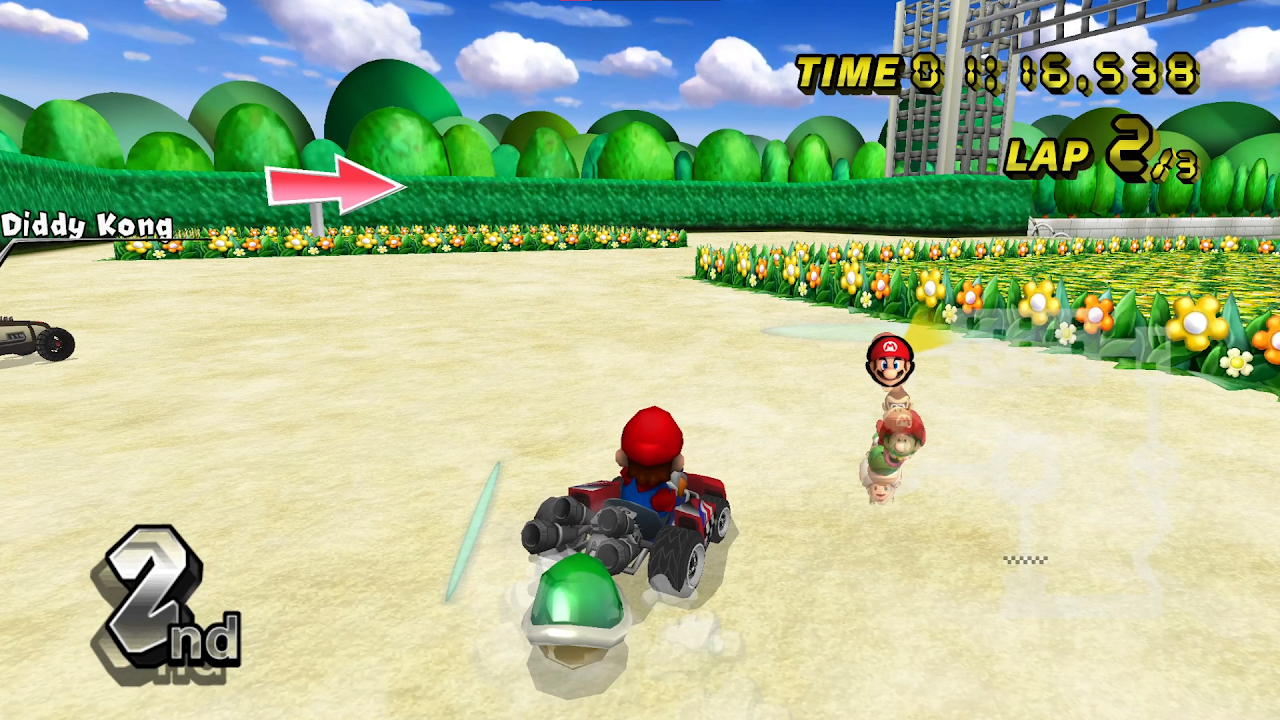
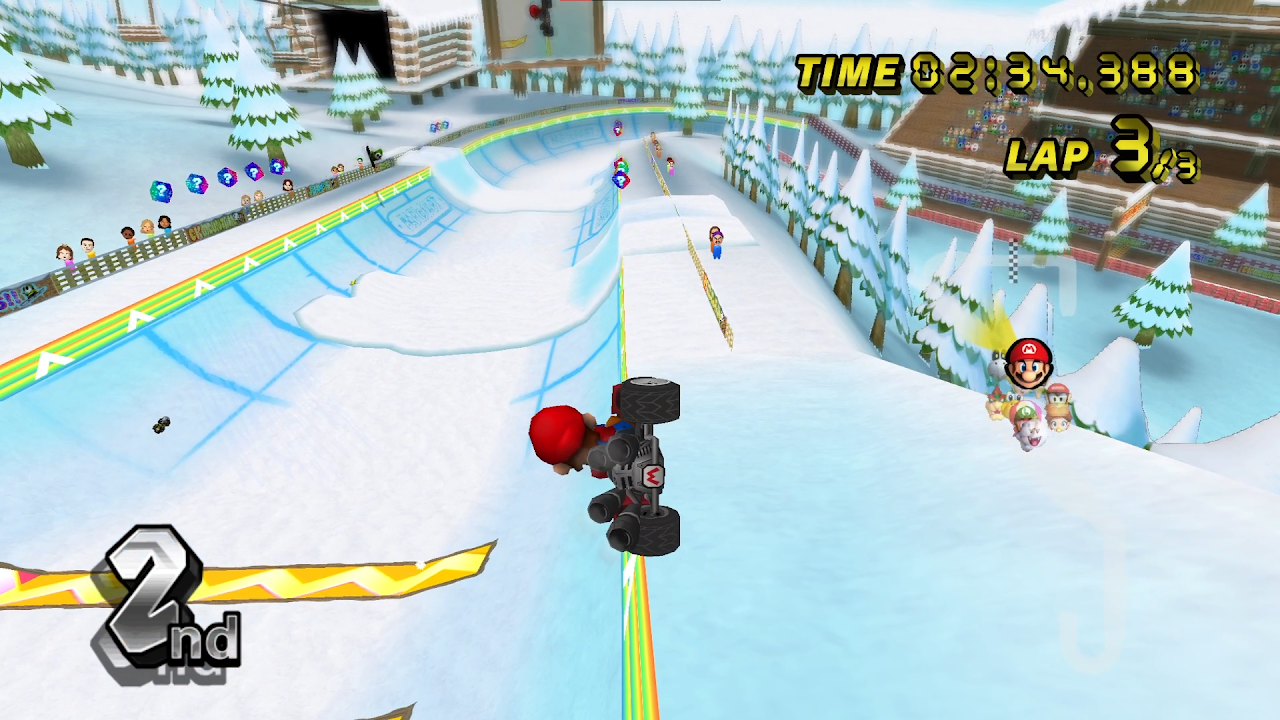
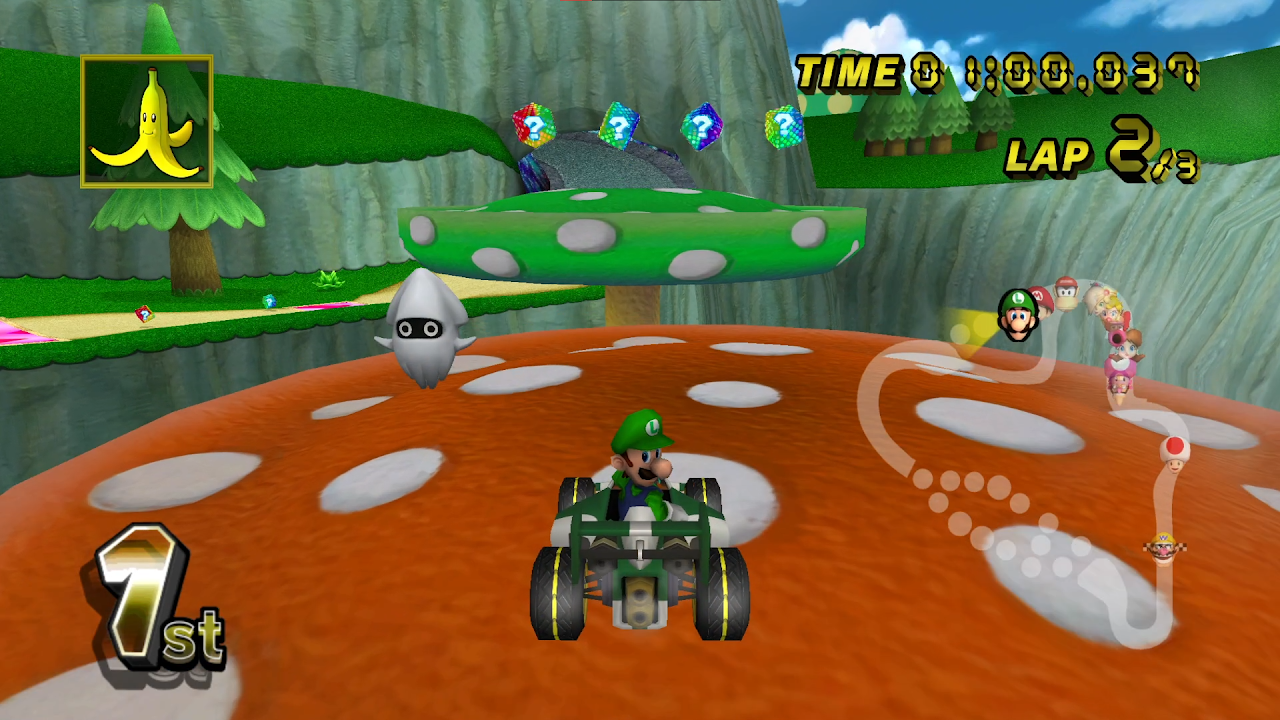
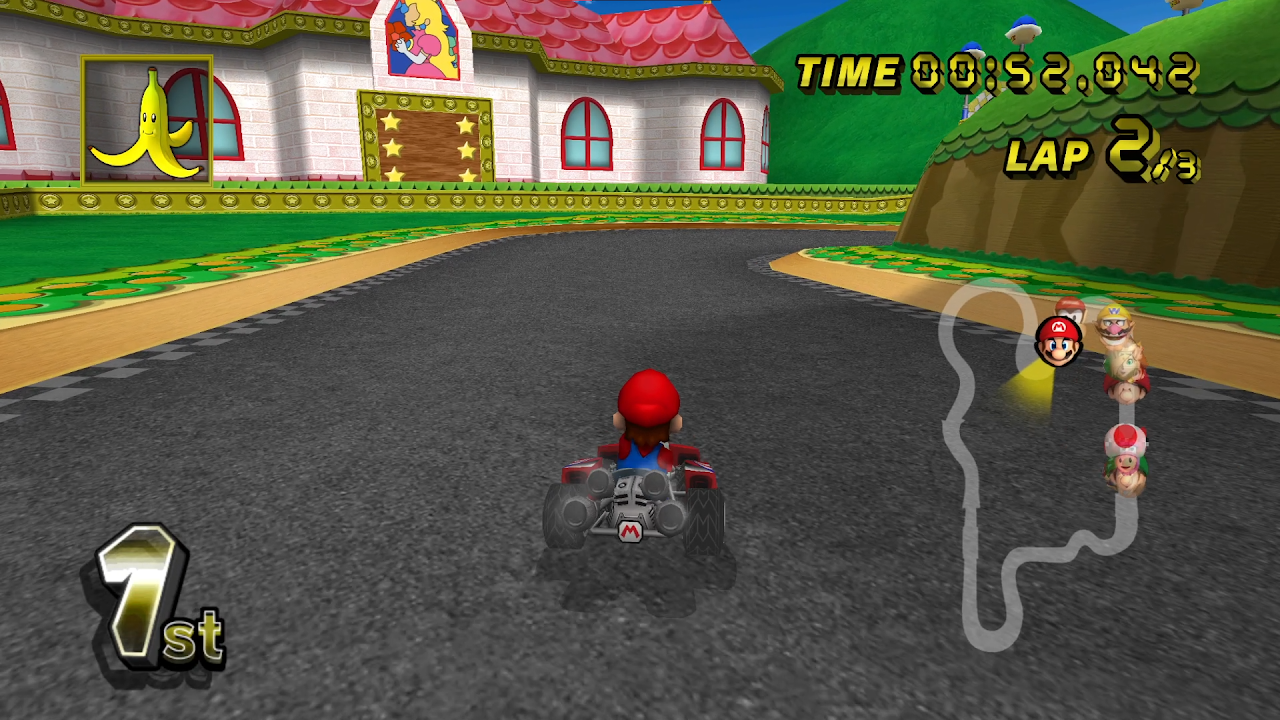
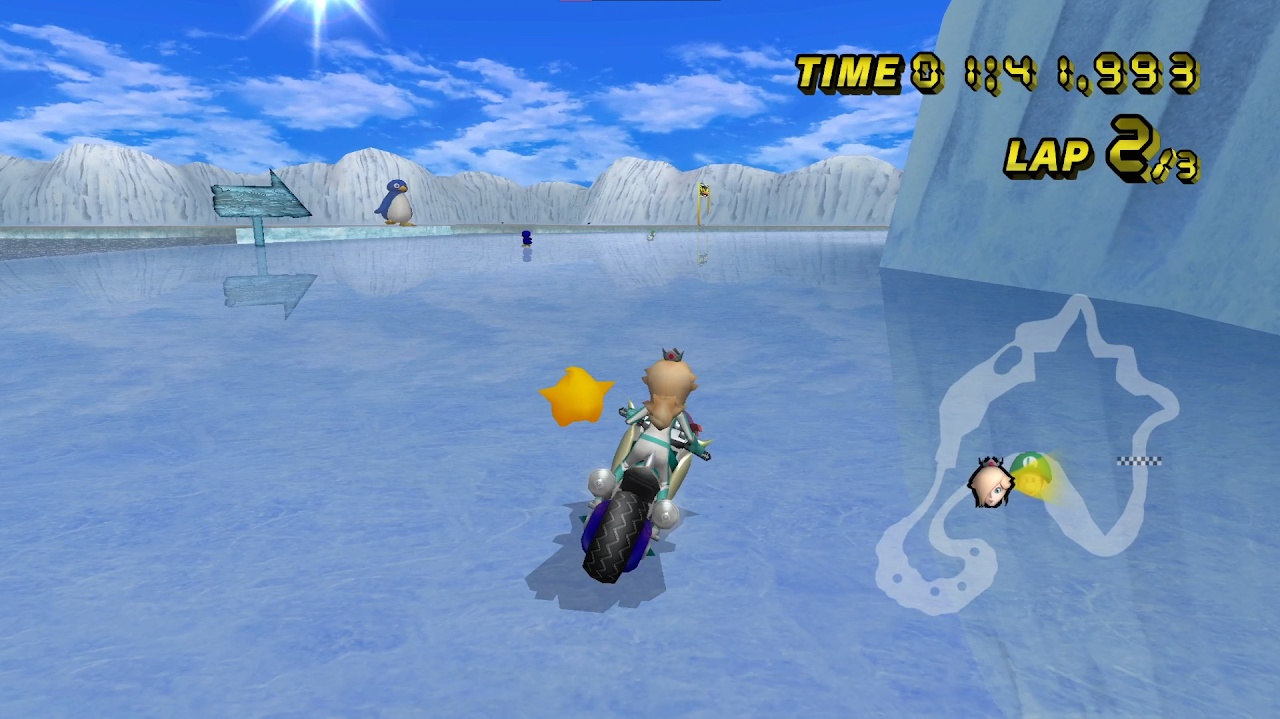
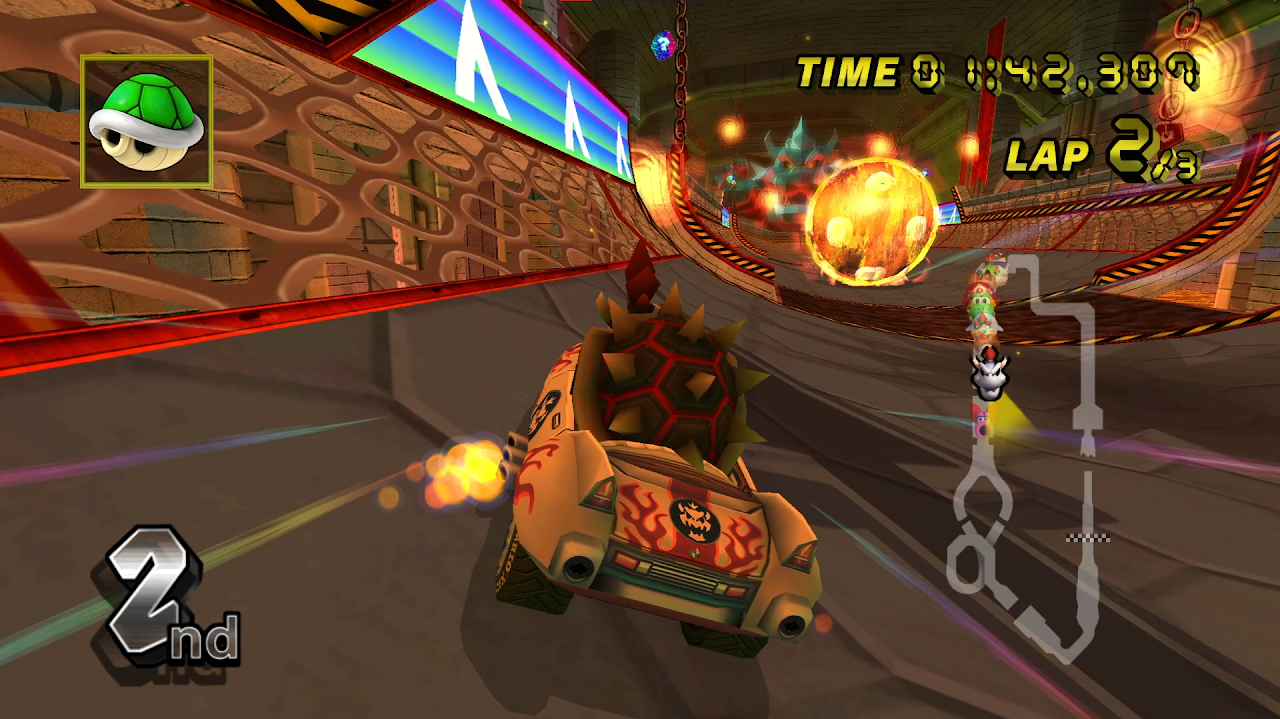
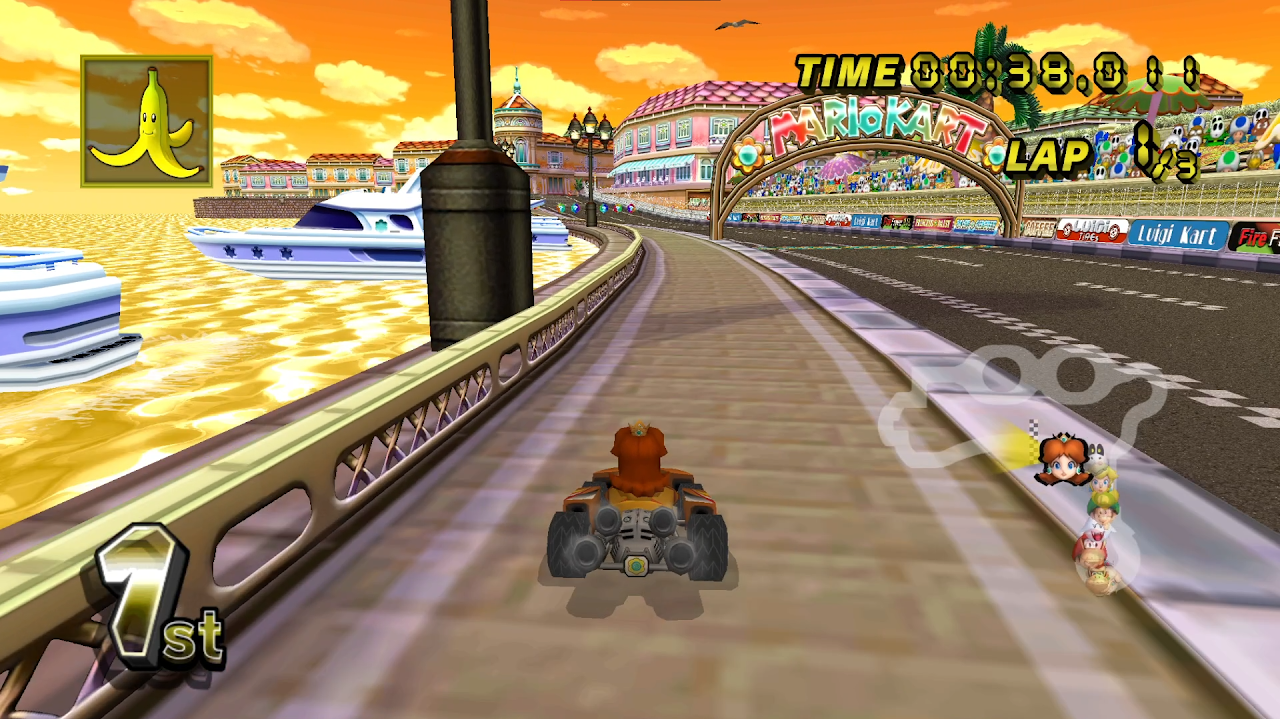
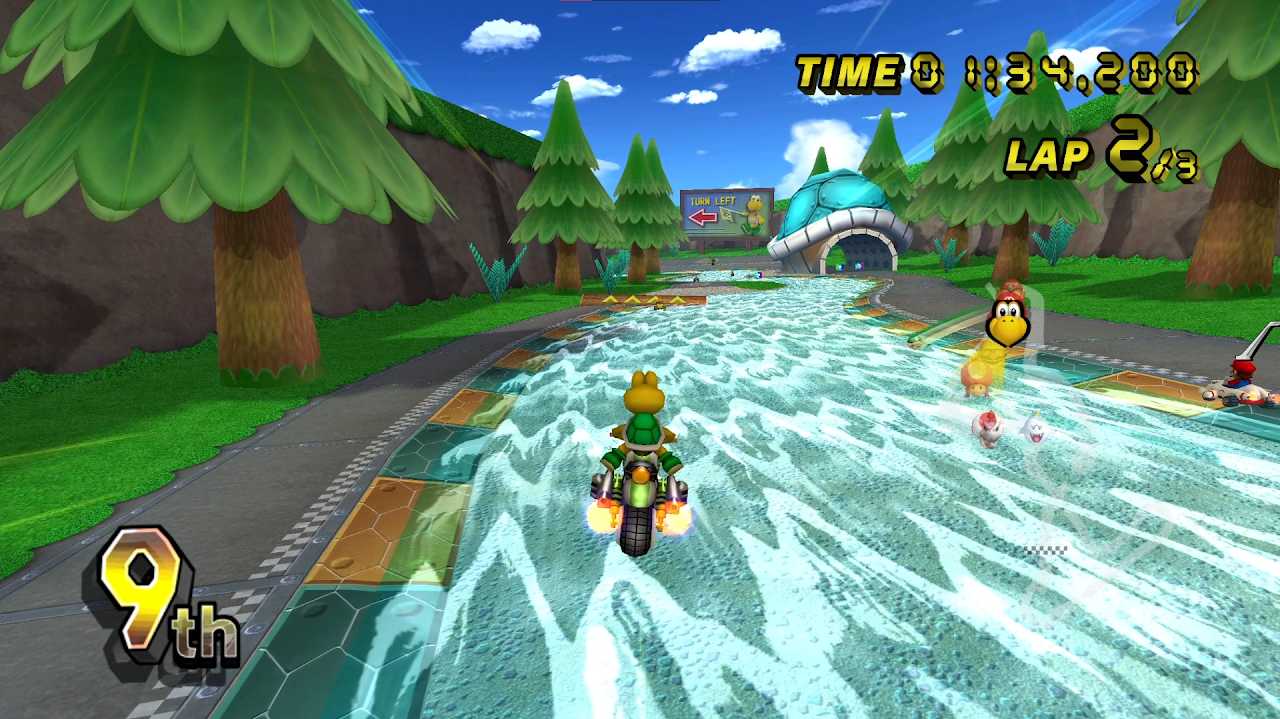
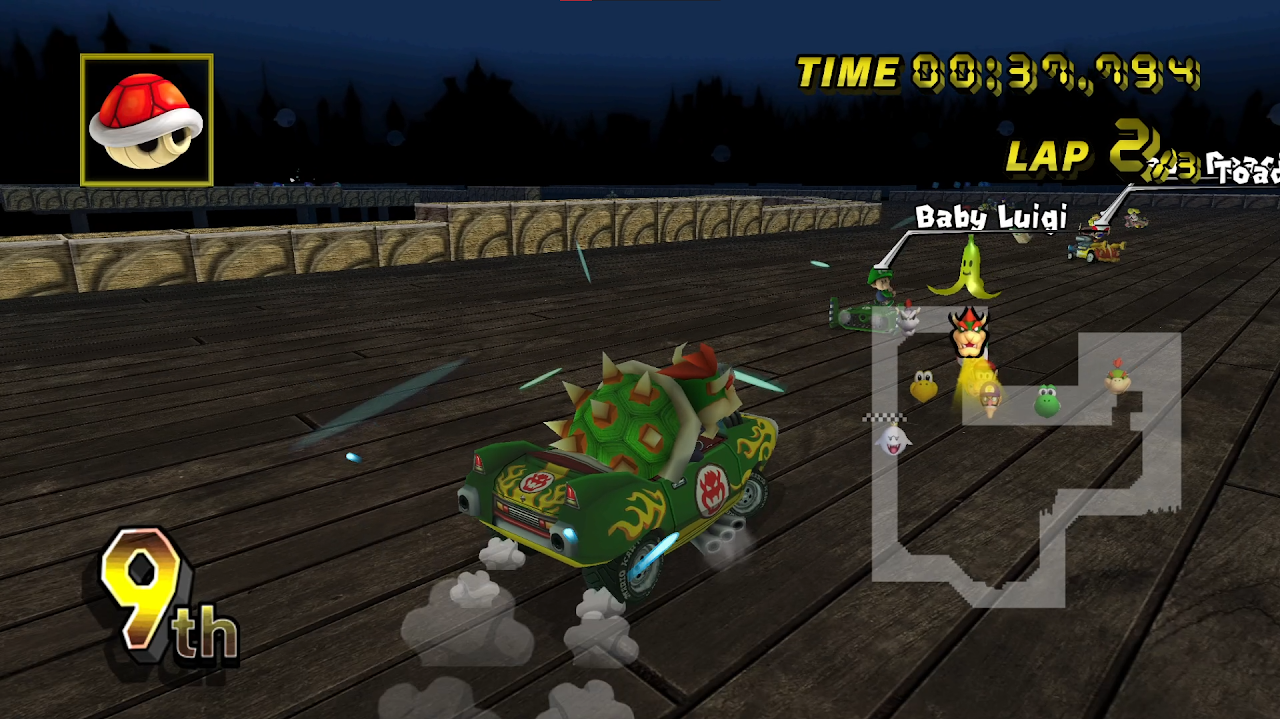
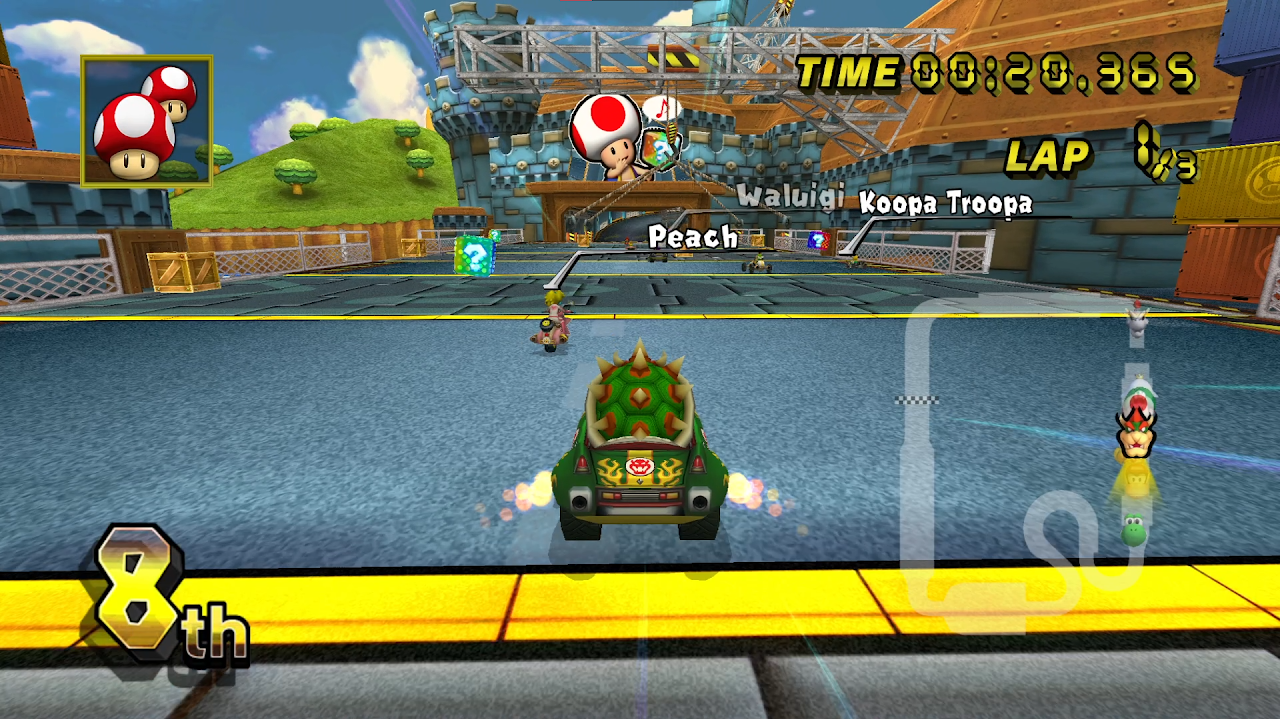
Table of Contents
Advertisement
Loading ad...
Advertisement
Loading ad...
About the Author

Anthony Micallef
Anthony Micallef is the creator of Anton Retro, a platform dedicated to retro gaming enthusiasts. With years of experience in Nintendo homebrew and modding, he creates guides to help gamers get the most out of their consoles.
Table of Contents


Advertisement
Loading ad...
How did this guide help?
Leave a comment or tip for other players