Bring Online Play Back to 3DS
With the official Nintendo Network servers now offline, Pretendo Network is a community-driven revival that restores online multiplayer, Miiverse, and leaderboard functionality to both the 3DS and Wii U.
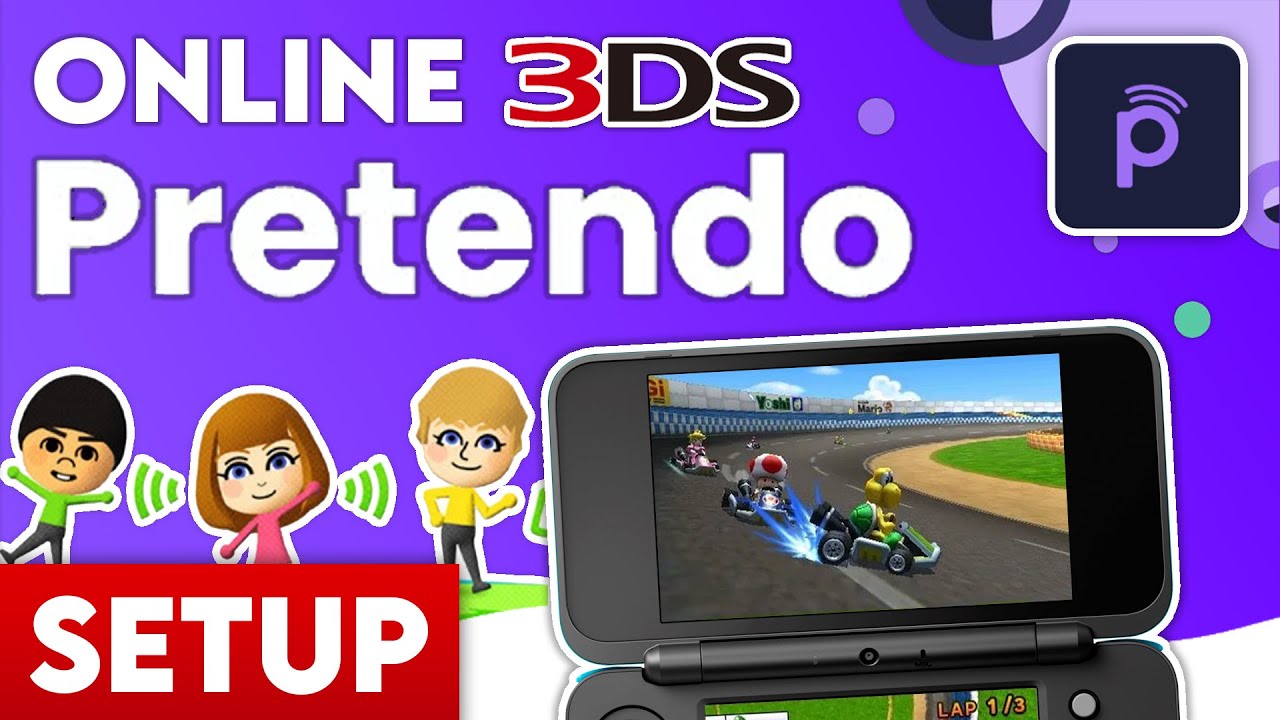
With the official Nintendo Network servers now offline, Pretendo Network is a community-driven revival that restores online multiplayer, Miiverse, and leaderboard functionality to both the 3DS and Wii U.
Certain features like Juxtaposition (the Miiverse revival) require a Pretendo Network ID. Visit the official Pretendo site to create your free account, then link it in your 3DS System Settings just like an original NNID.
Pretendo is a work-in-progress. Popular titles like Mario Kart 7 and IronFall are fully supported, with more games being added regularly. Check the live status on their website for the latest compatibility updates.

Anthony Micallef is the creator of Anton Retro, a platform dedicated to retro gaming enthusiasts. With years of experience in Nintendo homebrew and modding, he creates guides to help gamers get the most out of their consoles.




How did this guide help?
Leave a comment or tip for other players