IconANTON RETRO
  • Home
  • News
    Recent News
    NintendoRetroIndustry
  • Reviews
    Recent Reviews
    HardwareSwitchWii3DS
  • Guides
    All Guides
    WiiWii USwitch3DS
  • Videos
  • Games
  • Mods
  • Portal
    Portal Home
    My PortfolioAdmin Dashboard
  • About
Home
News
Recent NewsNintendoRetroIndustry
Reviews
Recent ReviewsHardwareSwitchWii3DS
Guides
All GuidesWiiWii USwitch3DS
Videos
Games
Mods
Portal
Portal HomeMy PortfolioAdmin Dashboard
About
How to stream your New Nintendo 3DS
Home/Guides
3dsEasyguidesv13.0+GUIDEtutorial

How to stream your New Nintendo 3DS

Anthony MicallefByAnthony Micallef
UPDATEDJan 24, 2026
READ2 MIN
VIEWS59.9K
Share

Introduction

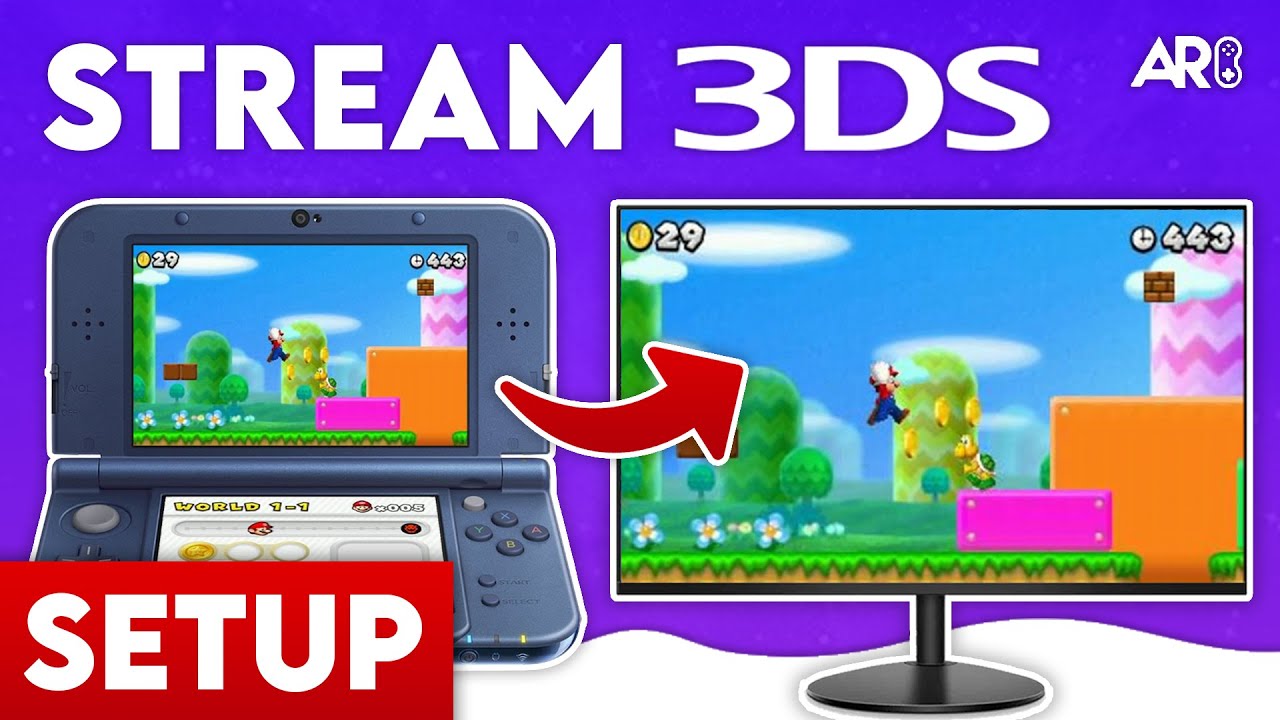
This guide shows you how to wirelessly stream your New Nintendo 3DS screen to your PC. Compatible with Windows, Mac, and Linux.
Setting up the Files

  1. Power on your 3DS and launch FBI from the Homebrew Launcher.
  2. Navigate to your SD card and install the BootNTR Selector CIA file from the Resources section.
  3. Once installed, exit FBI and unwrap the new software notification on your home menu.

Obtaining the 3DS IP Address

  1. Open the Rosalina menu by pressing L + D-Pad Down + Select simultaneously.
  2. Go to Debugger Options → Enable Debugger.
  3. Note down the IP address displayed (e.g., 192.168.1.50).
  4. Disable the debugger and exit the menu.

Launching BootNTR Selector

  1. Launch BootNTR Selector from the 3DS home menu.
  2. Press Use Default, then Save Settings.
  3. Select version 3.6.
  4. The app will load and return you to the home menu—it’s now running in the background.
Advertisement
Loading ad...

Connecting to the Client

  1. On your PC, open Snickerstream (Windows) or CuteNTR (Mac/Linux).
  2. Enter the 3DS IP address you noted earlier.
  3. Press Connect.
  4. Your 3DS screen should now display on your computer!

Troubleshooting

  • Games not streaming correctly? Click the NFC patch option inside BootNTR Selector before launching games like Starfox 64 3D or Pokémon Sun & Moon.
  • Connection issues? Reboot your 3DS, delete the BootNTR Selector folder via FBI (Ext Save Data), then relaunch and select version 3.6 again.

OBS Setup (Optional)

For recording or streaming with OBS:

  • Add a Game Capture or Window Capture source targeting Snickerstream.
  • Crop the source to show only the top or bottom screen if desired.
  • Pro Tip: Duplicate the capture, scale it up as a background, and add a Blur Filter for a professional overlay look.

Table of Contents

Introduction
Setting up the Files
Obtaining the 3DS IP Address
Launching BootNTR Selector
Connecting to the Client
Troubleshooting
OBS Setup (Optional)

Quick Info

Platform3ds
DifficultyEasy
Time2 MIN
Guide Typeguides
Version13.0+
Jump to Comments
Advertisement
Loading ad...
Advertisement
Loading ad...

Share This Guide

About the Author

Anthony Micallef

Anthony Micallef

Anthony Micallef is the creator of Anton Retro, a platform dedicated to retro gaming enthusiasts. With years of experience in Nintendo homebrew and modding, he creates guides to help gamers get the most out of their consoles.


Anton Retro GitHub

How did this guide help?

Leave a comment or tip for other players

0

Comments may be moderated before appearing.

Loading comments...

Table of Contents

Introduction
Setting up the Files
Obtaining the 3DS IP Address
Launching BootNTR Selector
Connecting to the Client
Troubleshooting
OBS Setup (Optional)

Quick Info

Platform3ds
DifficultyEasy
Time2 MIN
Guide Typeguides
Version13.0+
Jump to Comments

Most Popular

01

How to Homebrew Your New Nintendo 3DS (11.17)

02

How to Setup an SDHC R4 Card

03

Setup USB Loader GX

04

How to Homebrew Wii U (Aroma)

05

How to Play 3DS Games Online (Pretendo)

06

Best Emulators for the 3DS

See More

Trending Now

NEWS

I Was on Perky Planet, Reecee’s New Nintendo Podcast

NEWS

Nintendo Switch Sports Resort Fixes Everything the Previous Game Got Wrong

NEWS

Nintendo Direct June 9 2026: Every Single Announcement, Ranked

NEWS

Pikuniku 2 Is Going 3D and It Was Hiding in a Dancing Meme the Whole Time

NEWS

The Legend of Zelda: Ocarina of Time Is Being Reborn on Nintendo Switch 2

NEWS

Nintendo Direct 6.9.2026: What We Could See Tomorrow

Advertisement
Loading ad...

Related

Jan 17, 2026

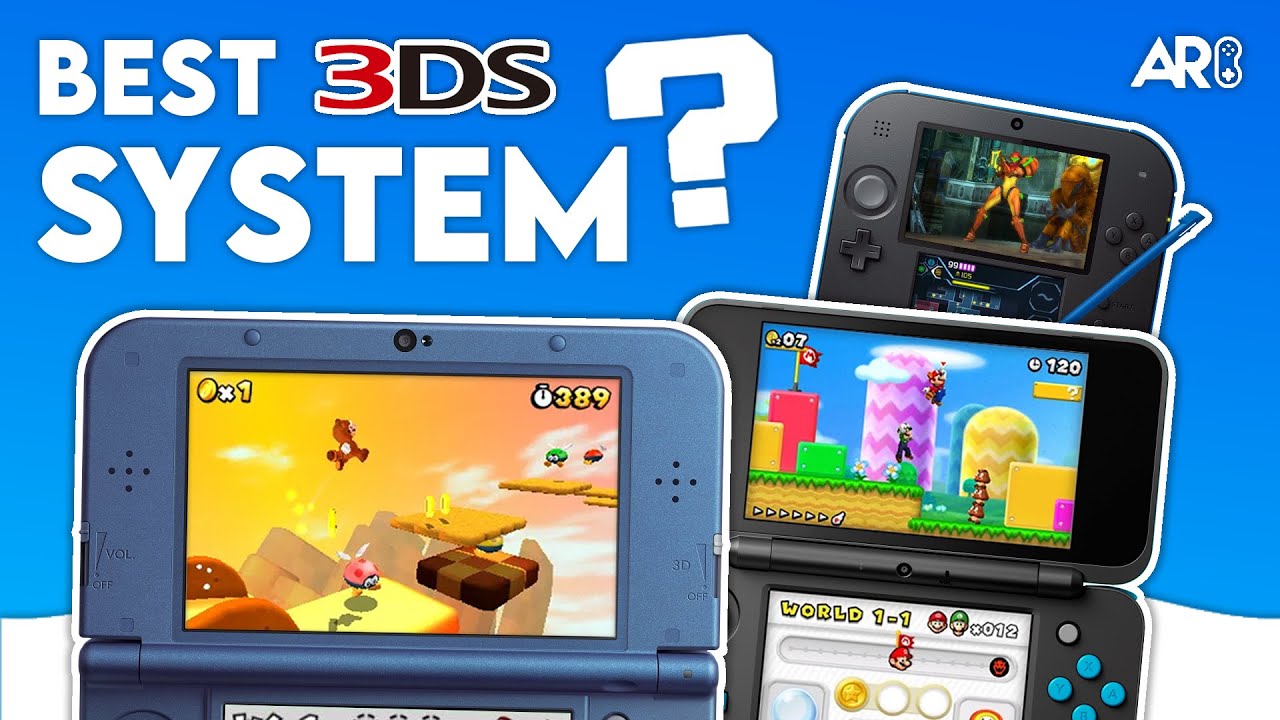
Which 3DS is the Best? (2025 Buying Guide)

Jan 17, 2026

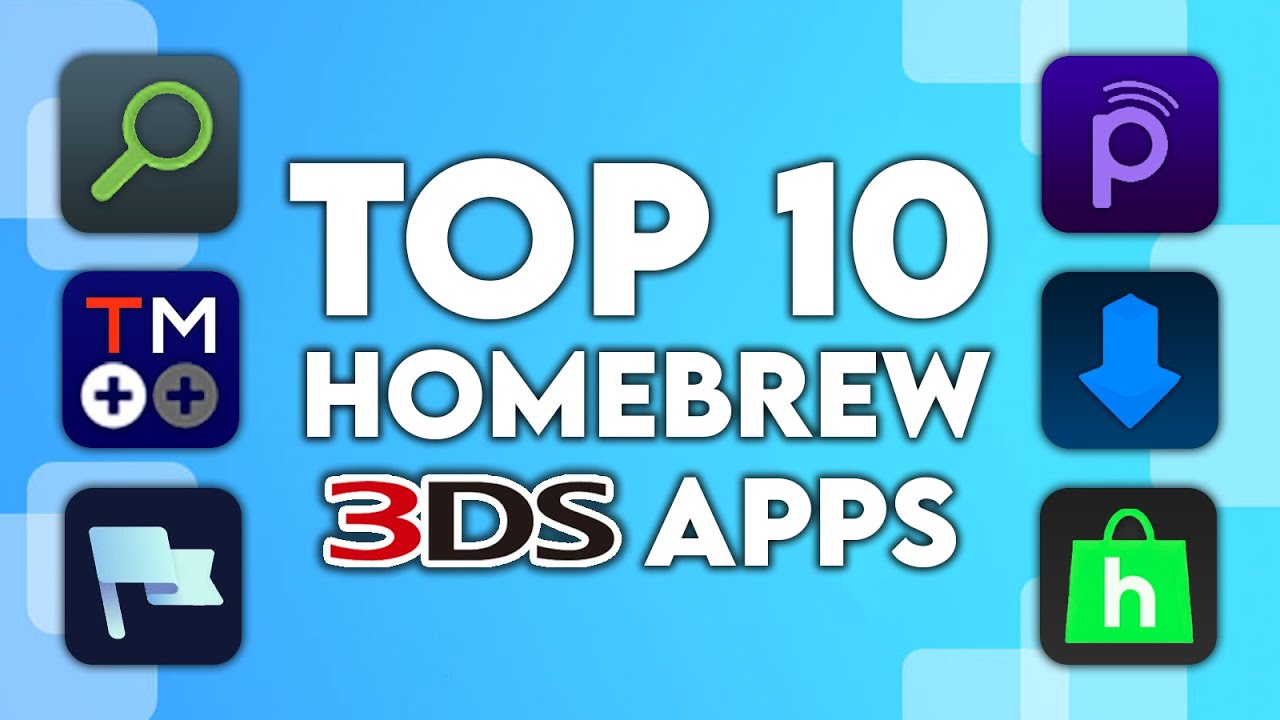
Top 10 Essential 3DS Homebrew Apps!

Jan 17, 2026

How to Homebrew Your Original Nintendo 3DS & 2DS (11.17)

How to stream your New Nintendo 3DS
Advertisement
Loading ad...
IconANTON RETRO

Retro gaming news, reviews, guides, and homebrew coverage. For Nintendo fans, modders, and collectors.

Explore
  • News
  • Reviews
  • Guides
  • Videos
  • Games
  • Mods
Information
  • Portal
  • About
  • Editorial Policy
  • Privacy Policy
  • Terms of Service
  • Sitemap
  • Changelog
  • Contact

78,000+ subscribers

Join 78,000+ retro gaming enthusiasts and never miss a video!

Subscribe Now

© 2026 Anthony Micallef - Anton Retro. All rights reserved.

DigitalOcean Referral Badge|Icons byControllercons|v5.0.0