How To Play Pokemon DS Games ONLINE (2021)
DSGUIDE

How To Play Pokemon DS Games ONLINE (2021)

AUTHORLucky Lakitu
UPDATEDFeb 4, 2026
READ2 MIN
Share

Introduction

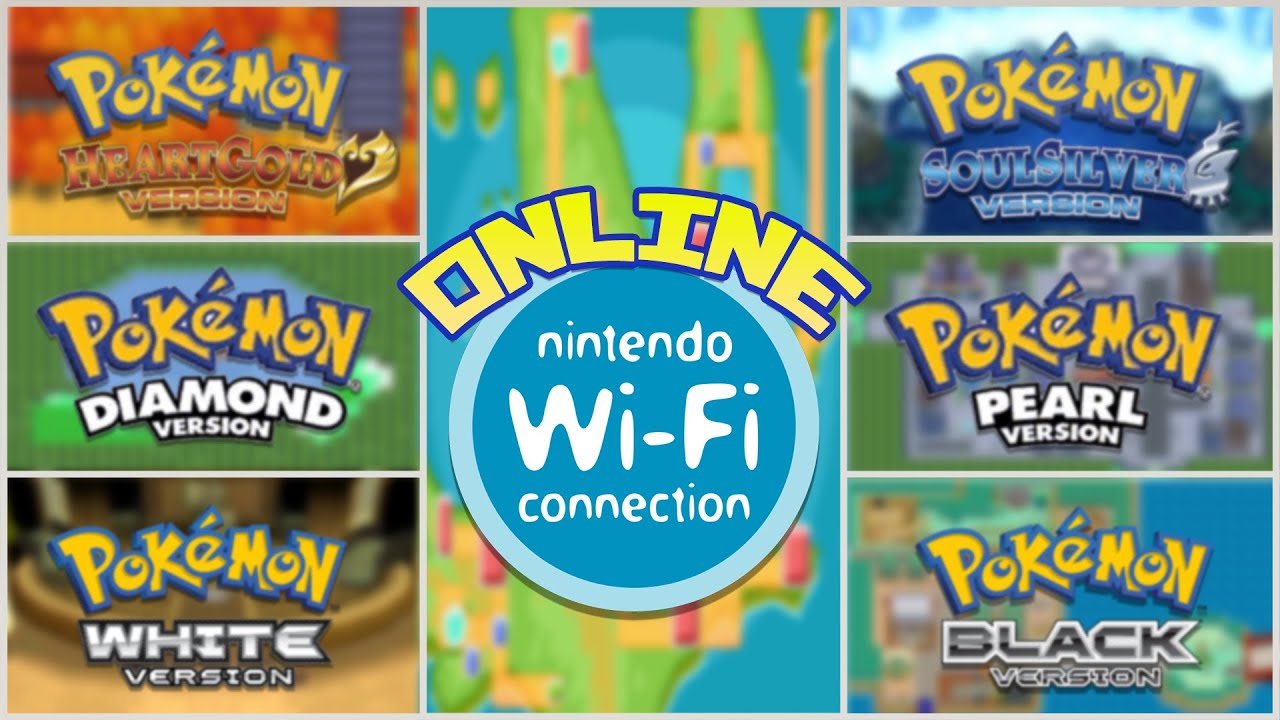
This guide shows you how to access online features (like the GTS) for Nintendo DS Pokémon games using a 3DS or 2DS console without any hacks or mods. The method involves changing the DNS settings on your internet connection to route through a custom server.

While trading works successfully, online battling appears dead or non-functional due to a lack of active players.

Requirements

  • Console: Any Nintendo 3DS, 2DS, or New 3DS/2DS XL (the method for original DS/DSi is different and not covered)
  • Game: A Gen 4 or Gen 5 Pokémon game (e.g., Black/White, HeartGold/SoulSilver, Diamond/Pearl)
  • Wi-Fi: A standard wireless internet connection

Restrictions

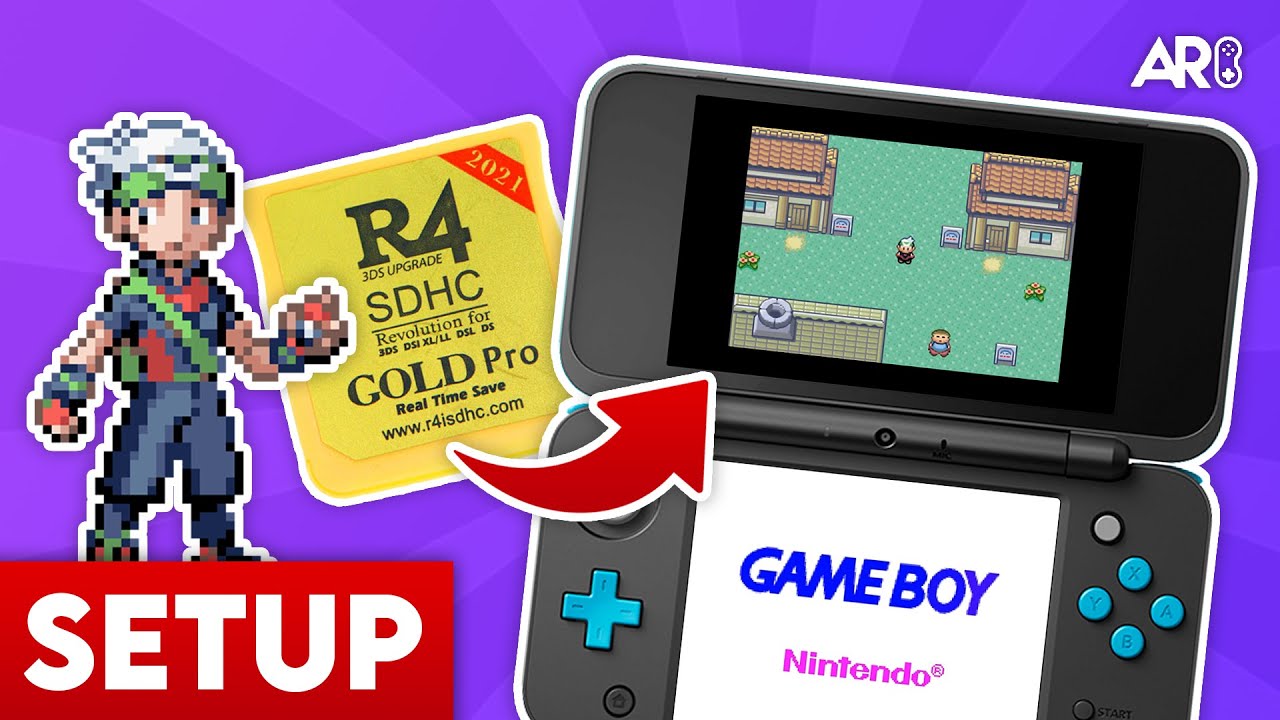
⚠️ This method does NOT work for R4 cards (flashcarts), as demonstrated by the creator’s friend failing to connect.

Step-by-Step Guide

Step 1: Access Settings

Go to System Settings → Internet Settings → Connection Settings.

Step 2: Create Connection

Select New Connection → Manual Setup → Search for Access Point. Connect to your Wi-Fi network as usual.

Step 3: DNS Setup

  1. Once connected, tap the connection you just made and select Change Settings.
  2. Scroll right and select DNS.
  3. Set Auto-Obtain DNS to No.
  4. Click Detailed Setup.
  5. Enter Primary DNS: 164.132.44.106
  6. Secondary DNS can be left as 0.0.0.0.

Step 4: Save & Test

Click OK, then Save, and perform a connection test.

Results & Functionality

Trading (✓ Works)

The Global Trade Station (GTS) works successfully! In the video, Lucky Lakitu traded a Deerling for a Purrloin in Pokémon Black 2.

Battling (✗ Does Not Work)

Online battling is not functional. Multiple attempts to battle friends and random opponents all failed to find a match. This is likely due to low player activity or connection issues.

Share This Guide

About the Author

Lucky Lakitu

Lucky Lakitu

Lucky Lakitu is a gaming content creator who creates a wide variety of videos such as 100%ing games, stream highlights, & tutorials. Check out his channel for more!

How did this guide help?

Leave a comment or tip for other players

0

Comments may be moderated before appearing.

Loading comments...