Introduction
This guide ranks the top 10 essential homebrew apps every Wii owner should have installed. Whether you want to play backups, restore online services, or manage your save files, these apps have you covered.
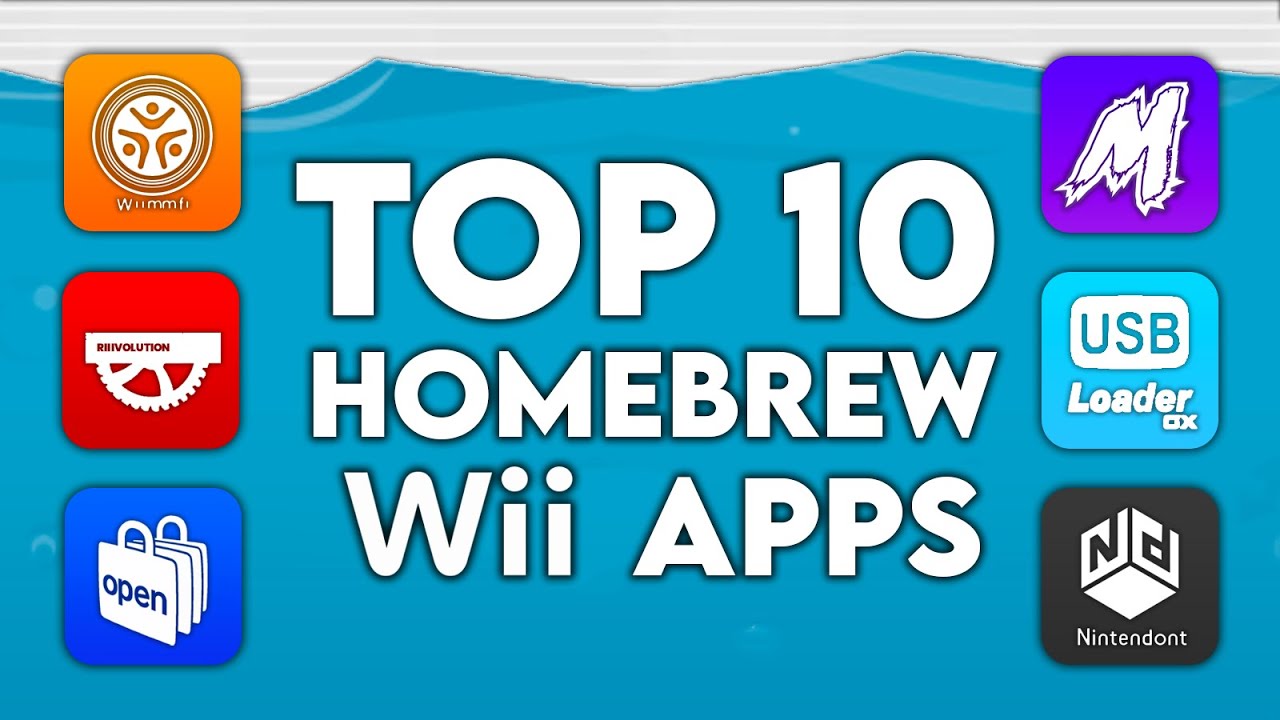
This guide ranks the top 10 essential homebrew apps every Wii owner should have installed. Whether you want to play backups, restore online services, or manage your save files, these apps have you covered.
What it does: Backs up and manages save data and Miis on your Wii.
Features a polished interface similar to USB Loader GX, making it far more user-friendly than the original SaveGame Manager. Great for creating backups before modding games or transferring saves between consoles.
What it does: A file manager for the Wii.
View, copy, paste, create, and delete files on your SD card or USB drive directly on the console. Supports FTP, music playback, and image viewing—no PC required for basic file management.
What it does: A comprehensive media player for video, music, and images.
Notably, WiiMC restores DVD playback—a feature the Wii hardware supports but Nintendo disabled to avoid licensing fees. Play your movies directly on the Wii!
What it does: An on-the-fly game patcher for ROM hacks.
Play mods like Newer Super Mario Bros. Wii using your original game disc. Riivolution patches games in real-time, meaning you don’t need to download ISOs or permanently modify anything.
What it does: A massive gameplay mod for Super Smash Bros. Brawl.
Rebalances Brawl to play more like the faster, competitive Super Smash Bros. Melee. Expanded versions like Smash Bros. Universe add hundreds of new characters and stages.
What it does: The ultimate mod for Mario Kart Wii.
Adds ~200 new tracks (including retro courses from other Mario Kart games) with built-in Wiimmfi support for online play. Includes 200cc mode and a dedicated channel for easy updates.
What it does: Revives online play for Wii games.
A custom server replacement for the defunct Nintendo Wi-Fi Connection. Play games like Mario Kart Wii and Super Smash Bros. Brawl online again! Can patch games automatically when you insert the disc.
What it does: Play GameCube games from USB or SD card.
Works on all Wii models (including the Family Edition and Wii U vWii) even without GameCube controller ports. Features include: virtual memory cards, USB controller support, and native-quality playback.
What it does: An app store for Wii homebrew (revival of Homebrew Browser).
Download, update, and install homebrew apps, games, and emulators directly from your Wii. No more manually transferring files from a computer!
What it does: The premier backup loader for Wii and GameCube games.
Play games from a USB hard drive with a beautiful, customizable interface. Supports themes, cover art, and integrates directly with Nintendont and Wiimmfi for a seamless all-in-one experience.

Anthony Micallef is the creator of Anton Retro, a platform dedicated to retro gaming enthusiasts. With years of experience in Nintendo homebrew and modding, he creates guides to help gamers get the most out of their consoles.





How did this guide help?
Leave a comment or tip for other players