What is Triforce?
The Triforce arcade system was jointly developed by Nintendo, Sega, and Namco. It’s based on GameCube hardware, which means some games can be played on Wii with the right tools.
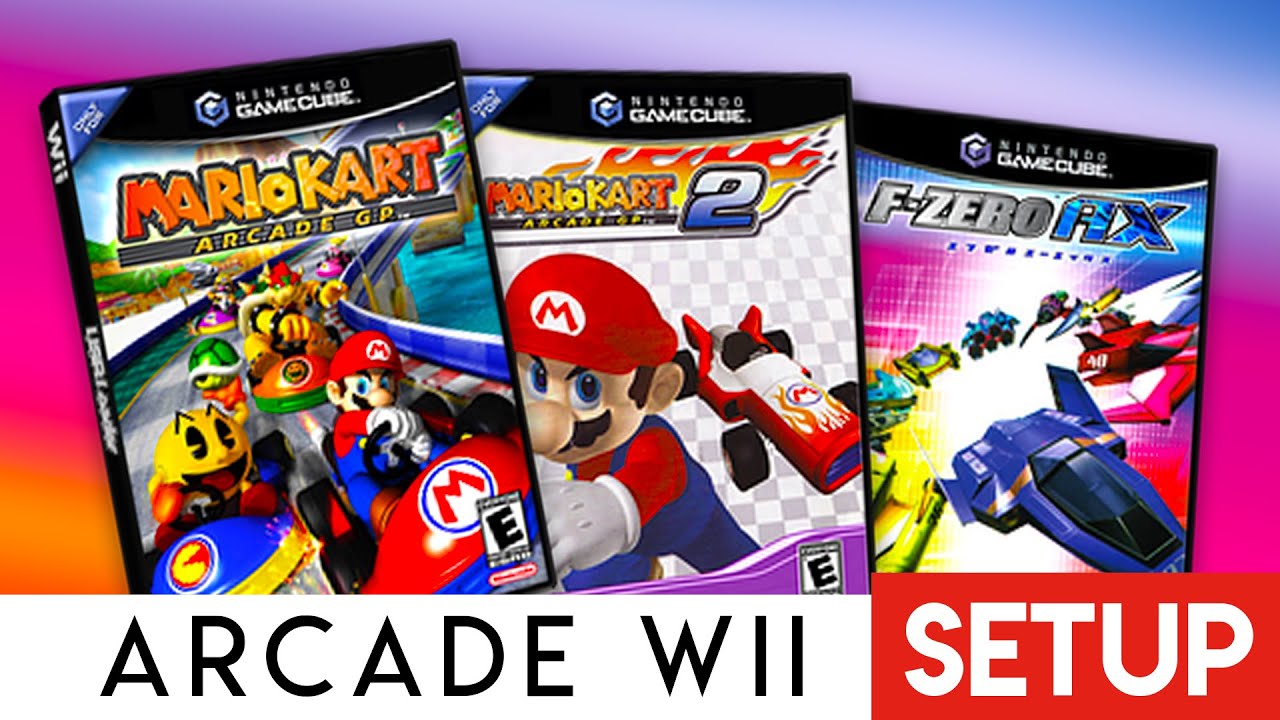
The Triforce arcade system was jointly developed by Nintendo, Sega, and Namco. It’s based on GameCube hardware, which means some games can be played on Wii with the right tools.
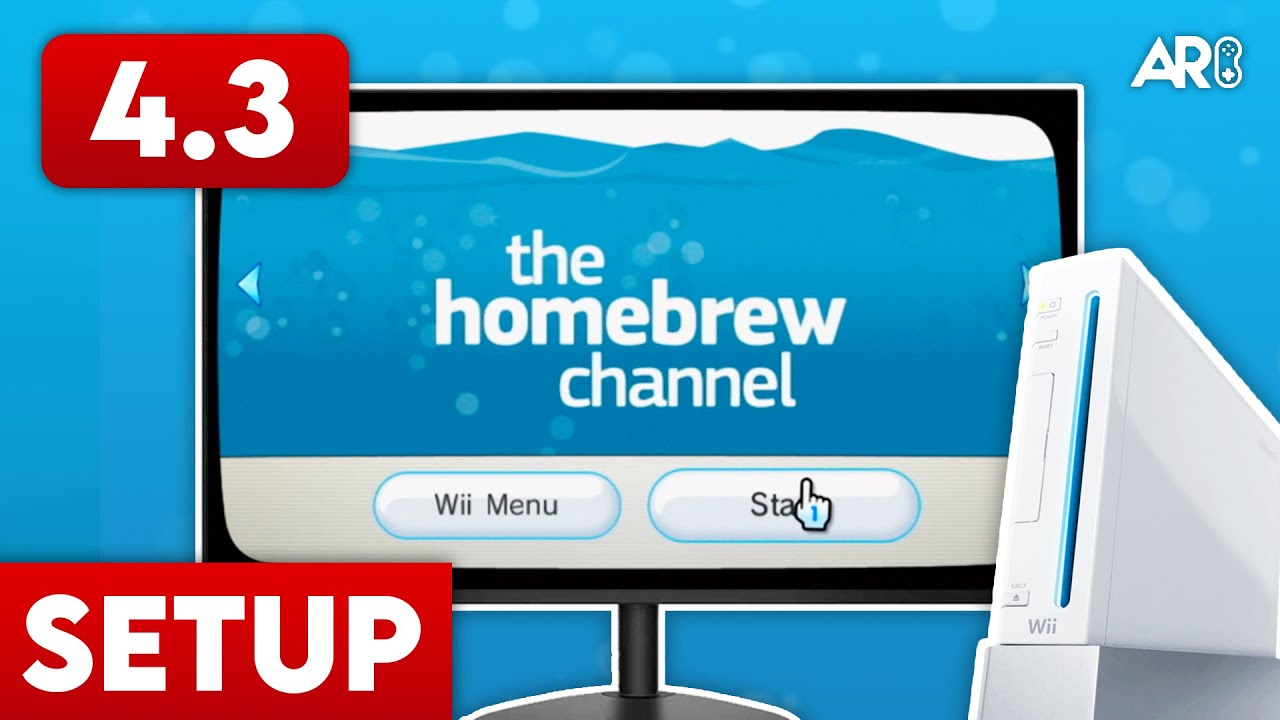
The modern way to play Triforce games is using Nintendont. Old methods like “QuadForce” are obsolete.
/apps/Nintendont/ on your SD card.Triforce games use the same folder structure as GameCube games. You need the game files in ISO format.
games on the root of your SD or USB./games/Mario Kart GP/).game.iso and place it inside.Not all Triforce games are compatible, but the big ones run perfectly:
Since these are arcade games, they often require unique inputs. A GameCube controller is highly recommended. Nintendont automatically maps arcade buttons to the GameCube controller layout.

Anthony Micallef is the creator of Anton Retro, a platform dedicated to retro gaming enthusiasts. With years of experience in Nintendo homebrew and modding, he creates guides to help gamers get the most out of their consoles.



How did this guide help?
Leave a comment or tip for other players