IconANTON RETRO
  • Home
  • News
    Recent News
    NintendoRetroIndustry
  • Reviews
    Recent Reviews
    HardwareSwitchWii3DS
  • Guides
    All Guides
    WiiWii USwitch3DS
  • Videos
  • Games
  • Mods
  • Portal
    Portal Home
    My PortfolioAdmin Dashboard
  • About
Home
News
Recent NewsNintendoRetroIndustry
Reviews
Recent ReviewsHardwareSwitchWii3DS
Guides
All GuidesWiiWii USwitch3DS
Videos
Games
Mods
Portal
Portal HomeMy PortfolioAdmin Dashboard
About
How to Homebrew Your New Nintendo 3DS (11.17)
Home/Guides
3dsEasyguidesv11.17.0GUIDEtutorial

How to Homebrew Your New Nintendo 3DS (11.17)

Anthony MicallefByAnthony Micallef
UPDATEDJan 17, 2026
READ2 MIN
VIEWS107.1K
Share

The Definitive 11.17 Guide

The ‘Super-Skaterhax’ exploit is the modern standard for New Nintendo 3DS, New 3DS XL, and New 2DS XL systems. It utilizes a flaw in the console’s web browser to execute code without needing any specific games.

Important: While the steps in the video are correct, the ‘All-in-One’ zip file linked in the description could be outdated at this time. Feel free to check the 3DS hack guide for the latest builds of the specific files included.
1. Prerequisites & Prep

  • Compatibility: You MUST have a ‘New’ 3DS, ‘New’ 3DS XL, or ‘New’ 2DS XL. (Look for the ‘C-stick’ nub above the ABXY buttons).
  • SD Card: Format your SD card to FAT32 using a tool like GUIFormat.
  • File Transfer: Copy the latest Luma3DS (boot.firm, boot.3dsx) and Super-Skaterhax files to the root of your SD card.
Advertisement
Loading ad...

2. The Browser Exploit

Open the 3DS Internet Browser and navigate to the exploit URL (or scan the QR code from the written guide).

  • Action: Bookmark the page, clear your cookies, and relaunch the browser to trigger the glitch.
  • Note: If the screen turns yellow or freezes, don’t panic. Force restart and try again. It often takes 3-4 attempts.

3. Installing Custom Firmware

When the exploit succeeds, you’ll boot into SafeB9SInstaller. Follow the button combo prompt to install Boot9Strap to your system’s internal memory. Once done, the system reboots into Luma3DS.

4. Finalizing Setup

  1. Use the ‘Download Play’ trick to open the Homebrew Launcher.
  2. Launch GodMode9 and run the ‘finalize’ script.
  3. This automatically installs FBI, Checkpoint, Anemone, and Universal Updater to your home screen.

Your system is now fully modded!

Table of Contents

The Definitive 11.17 Guide
1. Prerequisites & Prep
2. The Browser Exploit
3. Installing Custom Firmware
4. Finalizing Setup

Quick Info

Platform3ds
DifficultyEasy
Time2 MIN
Guide Typeguides
Version11.17.0
Advertisement
Loading ad...
Advertisement
Loading ad...

Share This Guide

About the Author

Anthony Micallef

Anthony Micallef

Anthony Micallef is the creator of Anton Retro, a platform dedicated to retro gaming enthusiasts. With years of experience in Nintendo homebrew and modding, he creates guides to help gamers get the most out of their consoles.

Anton Retro GitHub

How did this guide help?

Leave a comment or tip for other players

0

Comments may be moderated before appearing.

Loading comments...

Table of Contents

The Definitive 11.17 Guide
1. Prerequisites & Prep
2. The Browser Exploit
3. Installing Custom Firmware
4. Finalizing Setup

Quick Info

Platform3ds
DifficultyEasy
Time2 MIN
Guide Typeguides
Version11.17.0
Advertisement
Loading ad...

Most Popular

01

How to Setup an SDHC R4 Card

02

How to Homebrew Your Original Nintendo 3DS & 2DS (11.17)

03

Setup USB Loader GX

04

How to Homebrew Wii U (Aroma)

05

How to Play 3DS Games Online (Pretendo)

06

Best Emulators for the 3DS

See More
Advertisement
Loading ad...

Trending Now

NEWS

Studio MDHR Announces Two New Cuphead Games, Including a Real Sega Master System Title

GUIDE

How to Install Banjo-Kazooie Recompiled (PC Port)

GUIDE

How to Install Ship of Harkinian (Ocarina of Time PC Port)

GUIDE

How to Install The Legend of Zelda: The Minish Cap PC Port

NEWS

Donkey Kong 64 Now Available on Nintendo 64 Classics – Nintendo Switch Online + Expansion Pack

NEWS

Nintendo Music Expands to Web Browsers, Tablets, Android Auto, and Apple CarPlay

Related

Jan 24, 2026

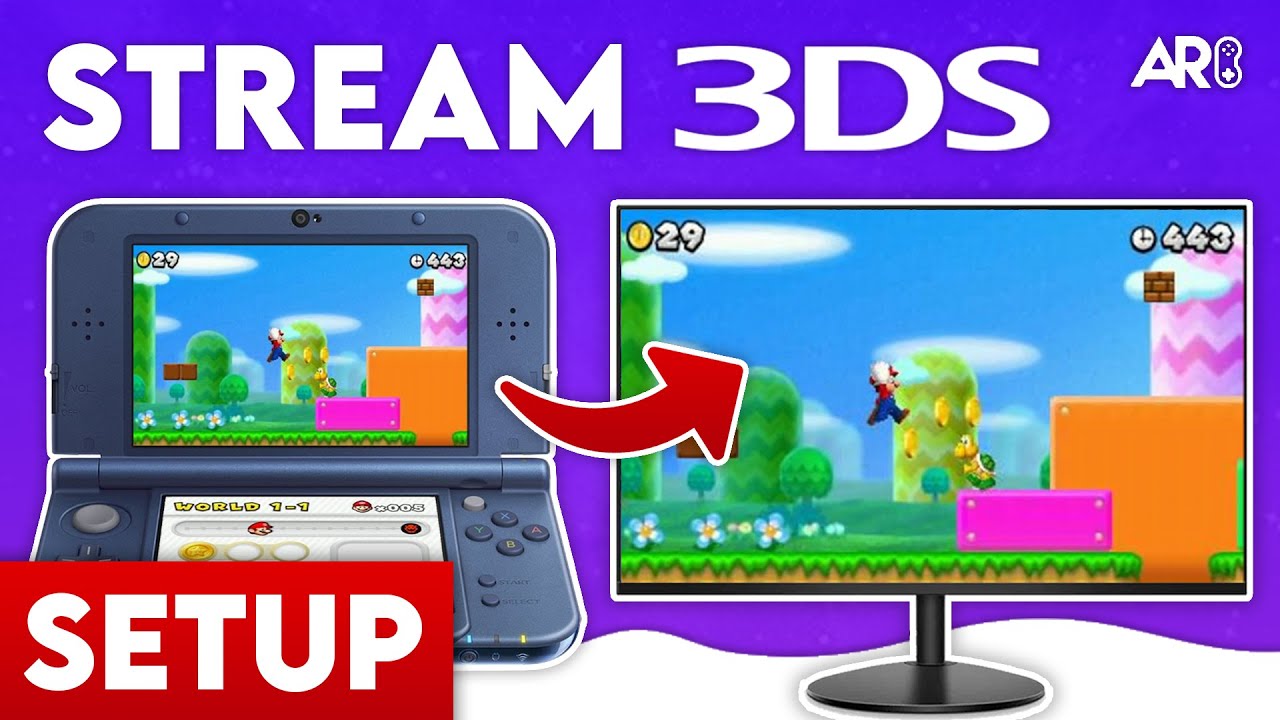
How to stream your New Nintendo 3DS

Jan 17, 2026

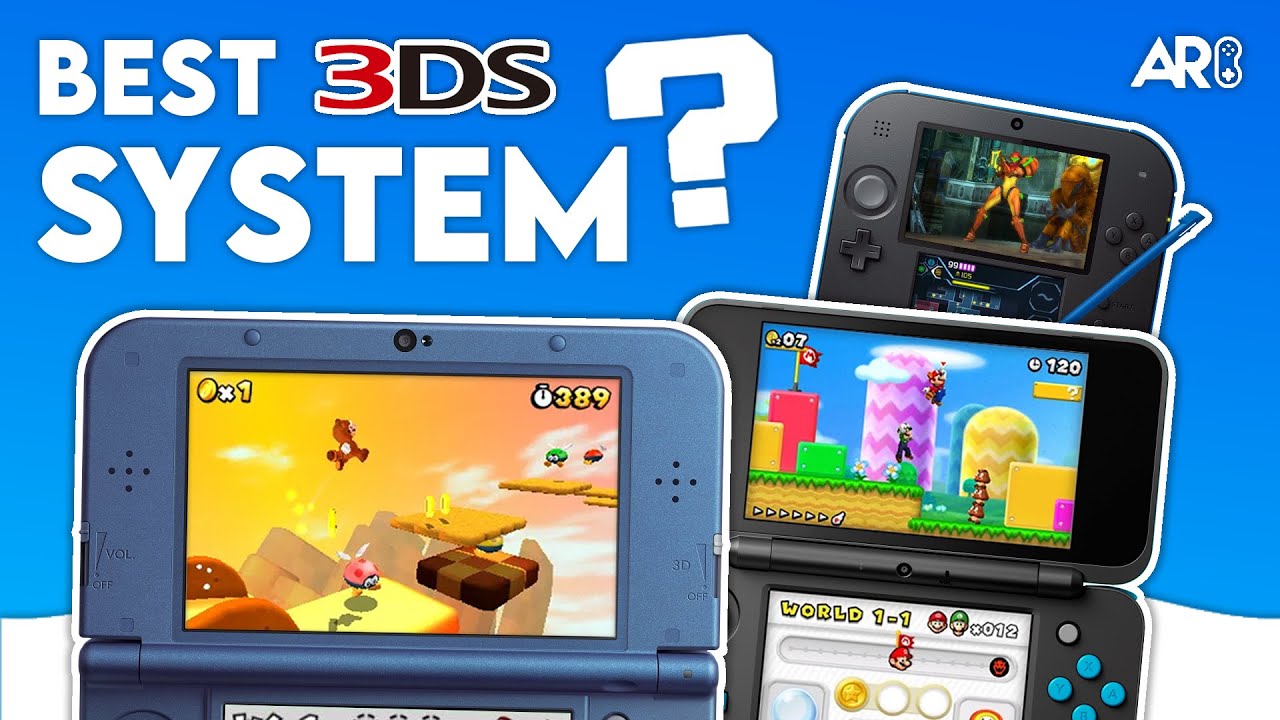
Which 3DS is the Best? (2025 Buying Guide)

Jan 17, 2026

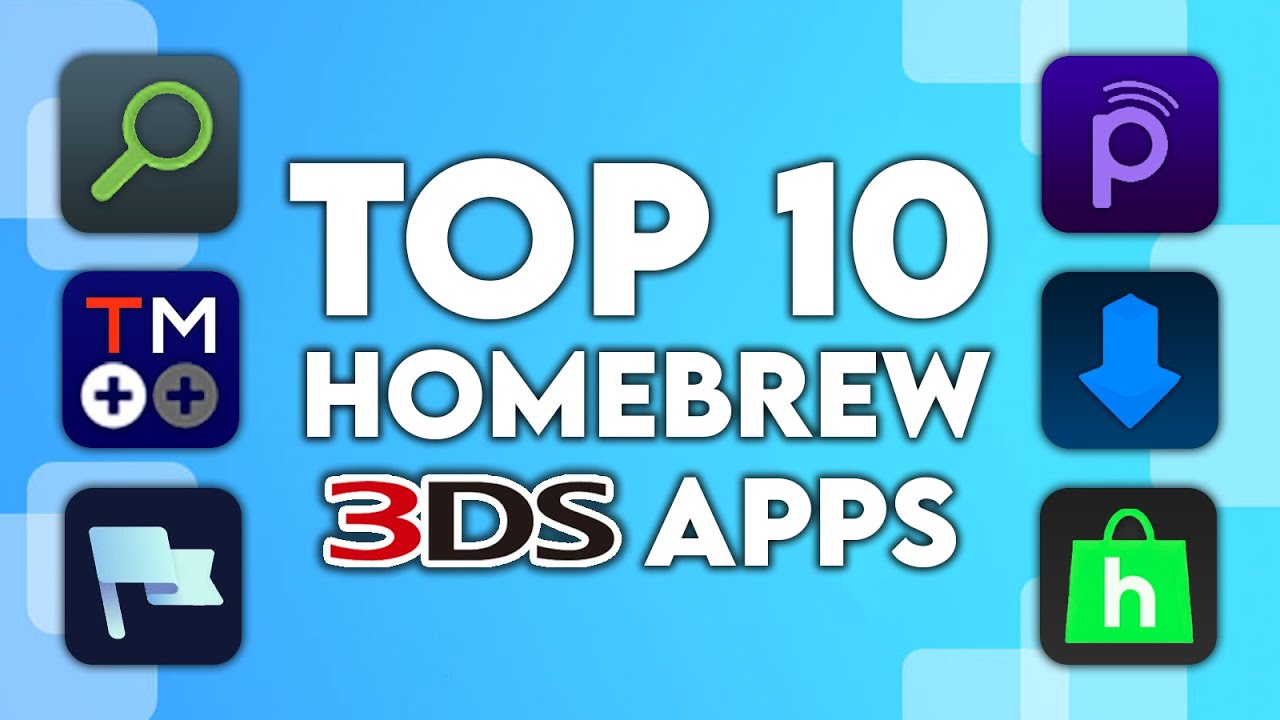
Top 10 Essential 3DS Homebrew Apps!

Advertisement
Loading ad...
How to Homebrew Your New Nintendo 3DS (11.17)
Advertisement
Loading ad...
IconANTON RETRO

Retro gaming news, reviews, guides, and homebrew coverage. For Nintendo fans, modders, and collectors.

Explore
  • News
  • Reviews
  • Guides
  • Videos
  • Games
  • Mods
Information
  • Portal
  • About
  • Editorial Policy
  • Privacy Policy
  • Terms of Service
  • Sitemap
  • Changelog
  • Contact

78,000+ subscribers

Join 78,000+ retro gaming enthusiasts and never miss a video!

Subscribe Now

© 2026 Anthony Micallef - Anton Retro. All rights reserved.

DigitalOcean Referral Badge|Icons byControllercons|v5.0.0