Device Check: This guide is ONLY for the “Old” 3DS, 3DS XL, and original 2DS. If you have a “New” model (with the C-Stick), use the New 3DS guide.
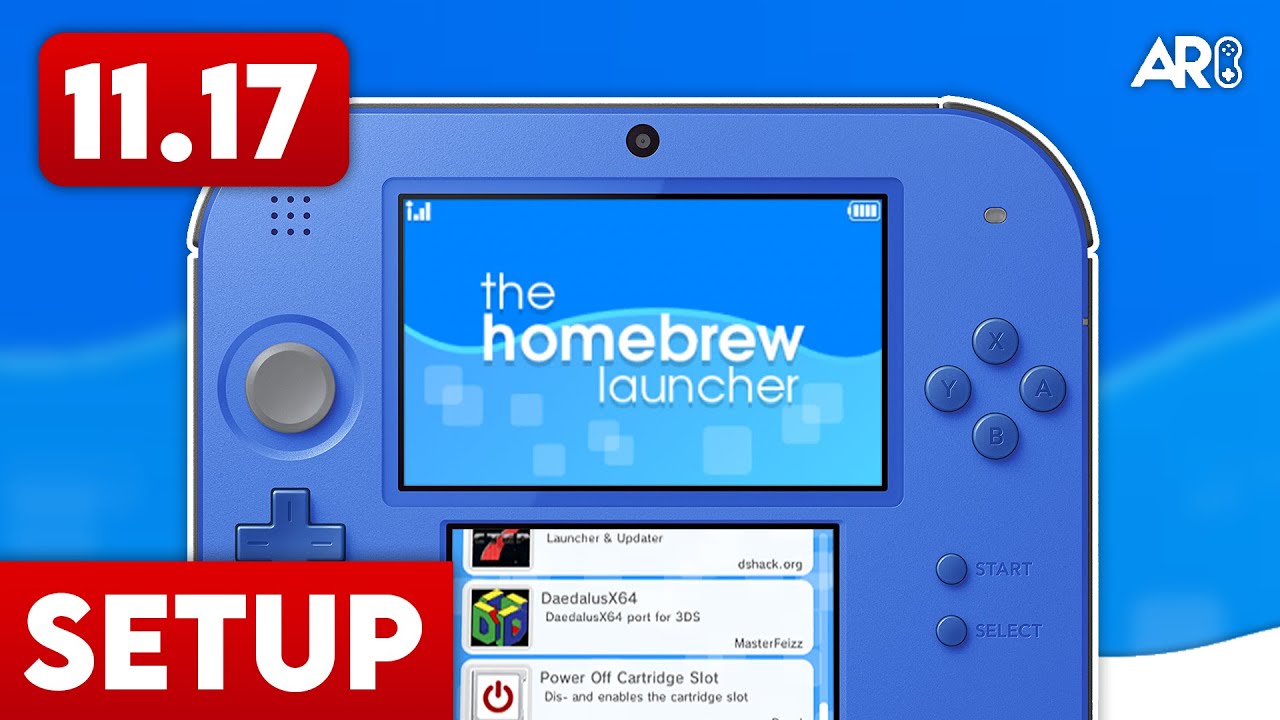
Hacking the Original 3DS on 11.17
Modding an original 3DS or 2DS on the latest firmware is more involved than the ‘New’ models, but remains very stable once set up. This guide uses MSET9 and Kartminer7 as the primary entry points.
Preparation
- Obtain your ID0 (the first 32-character folder name inside
/Nintendo 3DS/). - Use a PC to brute-force your
movable.sedusing the ID0 and your Friend Code. - Ensure you have a copy of Mario Kart 7 (Digital or Physical).
The Kartminer7 Process
- Copy the
movable.sedand the Kartminer7 exploit files to your SD card. - Inject the exploit into your Mario Kart 7 save data using the 3DS configuration tool.
- Launch Mario Kart 7 and enter the ‘Online Multiplayer’ > ‘Communities’ menu.
- The game will crash and trigger the SafeB9SInstaller. Follow the prompts to install Custom Firmware.
Finalizing
Once Luma3DS is installed, run the ‘finalize’ script in GodMode9 to install FBI, Homebrew Launcher, and other essential tools to your home screen.
Advertisement
Loading ad...
Advertisement
Loading ad...
About the Author

Anthony Micallef
Anthony Micallef is the creator of Anton Retro, a platform dedicated to retro gaming enthusiasts. With years of experience in Nintendo homebrew and modding, he creates guides to help gamers get the most out of their consoles.





Advertisement
Loading ad...
How did this guide help?
Leave a comment or tip for other players