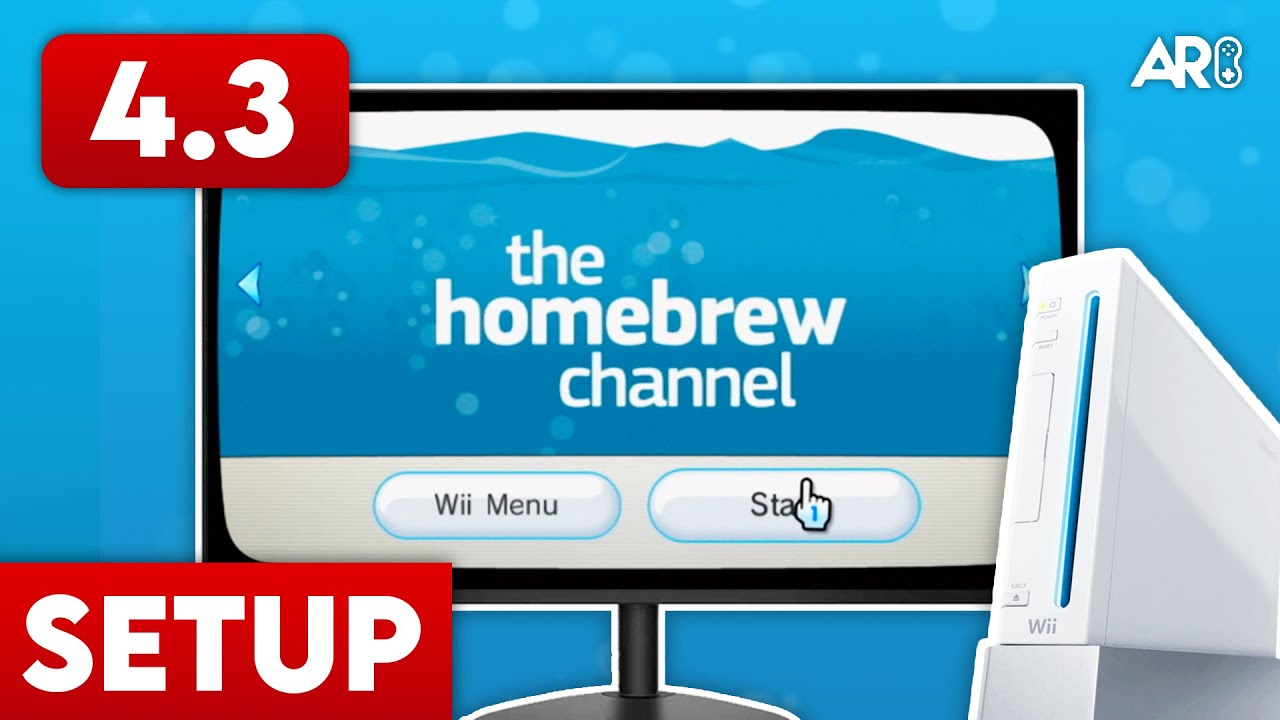
Original Wii Only. This guide is for the standard Wii. vWii users on Wii U require different cIOS files.

The Definitive Wii Library Hub
USB Loader GX is the undisputed king of Wii backup loaders. It offers a premium, console-like interface that organizes your entire library of Wii and GameCube games with full box art, game descriptions, and even custom sound effects.
The Foundation: cIOS
Before USB Loader GX can talk to your hard drive, you must install Custom IOS (cIOS). This adds the necessary ‘drivers’ to the Wii’s operating system.
- Launch the d2x cIOS Installer from the Homebrew Channel.
- Select v10 beta52.
- Set ‘Select cIOS Base’ to 57 and ‘Select cIOS Slot’ to 249. Press A to install.
- Repeat for Base 56 in Slot 250.
- Repeat for Base 38 in Slot 251.
Advertisement
Loading ad...
Managing Your Games
Wii games should be converted to the .wbfs format. We recommend using Wii Backup Manager (Windows) or Witgui (Mac) to transfer games to your FAT32 or NTFS formatted drive. These tools ensure the games are placed in the correct /wbfs/Game Name [ID]/ID.wbfs structure.
Cover Art & Themes
USB Loader GX can automatically download cover art. Simply press 1 on your Wii Remote and select the categories you want to download. You can also customize the layout by clicking the ‘Settings’ (gears) icon and exploring the ‘GUI Settings’ menu.
Final Thoughts
This video covers everything from the initial install to downloading cover art for your collection. Check out the full walkthrough in the sidebar for a visual guide.
Table of Contents
Advertisement
Loading ad...
Advertisement
Loading ad...
About the Author

Anthony Micallef
Anthony Micallef is the creator of Anton Retro, a platform dedicated to retro gaming enthusiasts. With years of experience in Nintendo homebrew and modding, he creates guides to help gamers get the most out of their consoles.
Table of Contents



Advertisement
Loading ad...
How did this guide help?
Leave a comment or tip for other players