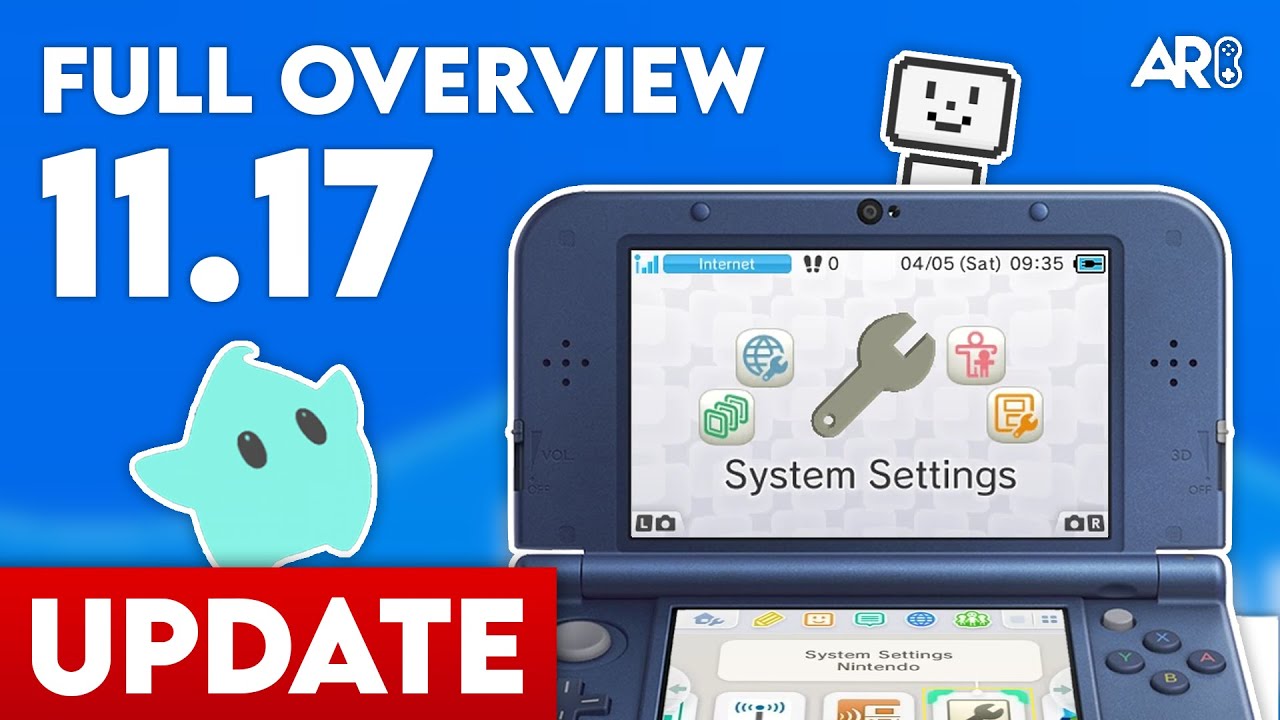
Everything You Need to Know About Nintendo 3DS Firmware 11.17.0
3dsEasyguidesGUIDEtutorial

Everything You Need to Know About Nintendo 3DS Firmware 11.17.0

AUTHORAnthony Micallef
UPDATEDJan 17, 2026
READ2 MIN
Share

Quick Summary

The 11.17.0 update patched the “Bannerbomb 3” exploit used in previous versions. However, new exploits exist for “New” 3DS models (New 3DS, New 3DS XL, New 2DS XL). Owners of “Old” models (original 3DS, 3DS XL, 2DS) may need different methods. The video primarily focuses on how to safely update an already modded 3DS to this latest firmware without losing custom firmware functionality.

Status by Console Model

  • New 3DS / New 3DS XL / New 2DS XL: Can be modded on 11.17.0 using a new exploit mentioned (super-skaterhax, though not explicitly named in the video, is the standard for this version).
  • Old 3DS / 3DS XL / 2DS: These require different methods. The creator advises checking the description or 3DS Hacks Guide as the standard methods may be patched.

Guide: Updating an Already Modded 3DS

If you already have Custom Firmware (Luma3DS) and want to update your system to 11.17.0 safely:

  1. Check Luma3DS Version:
    • Power down the system.
    • Hold Select and press Power to boot into the configuration menu.
    • Ensure the version number at the top says v12.0.1 or higher.
  2. Update Luma3DS (If needed):
    • If you are not on v12.0.1, open the Universal Updater app on your 3DS.
    • Search for “Luma3DS” by Luma Team.
    • Download the boot.firm file to update it automatically.
    • Note: If you don’t have Universal Updater, you can install it via FBI by scanning a QR code from their website.
  3. Perform System Update:
    • Once Luma is up to date, go to System Settings.
    • Tap Other Settings → scroll right 4 times → System Update.
    • Accept the terms and let the update finish.
Advertisement

Post-Update Checks

  • If apps like The Homebrew Launcher disappear, simply reinstall them using FBI or Universal Updater.
  • If you use a custom version of Luma (e.g., for BootNTR), you can reinstall that specific version via Universal Updater after the system update.

Important Resources

The video strongly recommends checking the 3DS Hacks Guide website (usually linked in descriptions of such videos) to check if your specific serial number and model are moddable on the new firmware before attempting anything.

Advertisement

Share This Guide

About the Author

Anthony Micallef

Anthony Micallef

Anthony Micallef is the creator of Anton Retro, a platform dedicated to retro gaming enthusiasts. With years of experience in Nintendo homebrew and modding, he creates guides to help gamers get the most out of their consoles.

How did this guide help?

Leave a comment or tip for other players

0

Comments may be moderated before appearing.

Loading comments...

Quick Info

Platform3ds
DifficultyEasy
Time2 MIN
Guide Typeguides
Advertisement
Everything You Need to Know About Nintendo 3DS Firmware 11.17.0